Plan your event budget, track supplier quotes, and confirm expenses as decisions are made. Envitely keeps budgets, vendors, and real costs connected throughout the planning process.
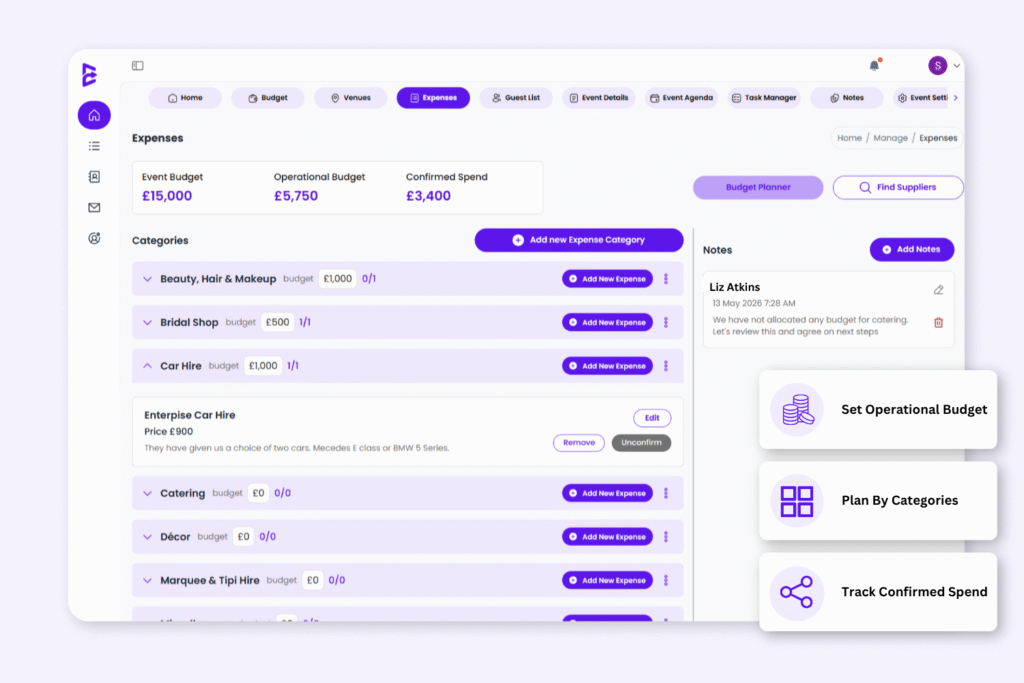
1. Keep Every Expense Organised
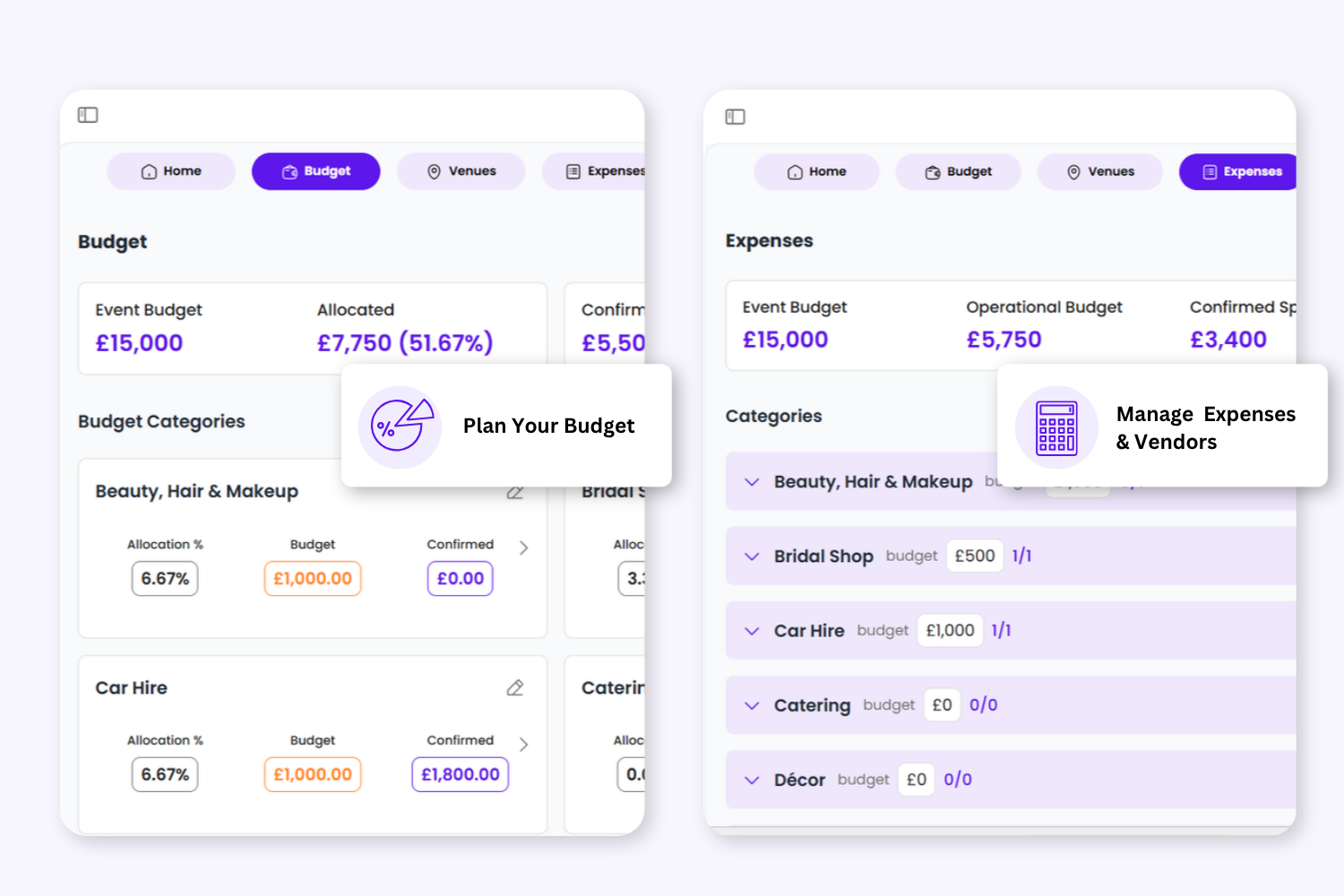
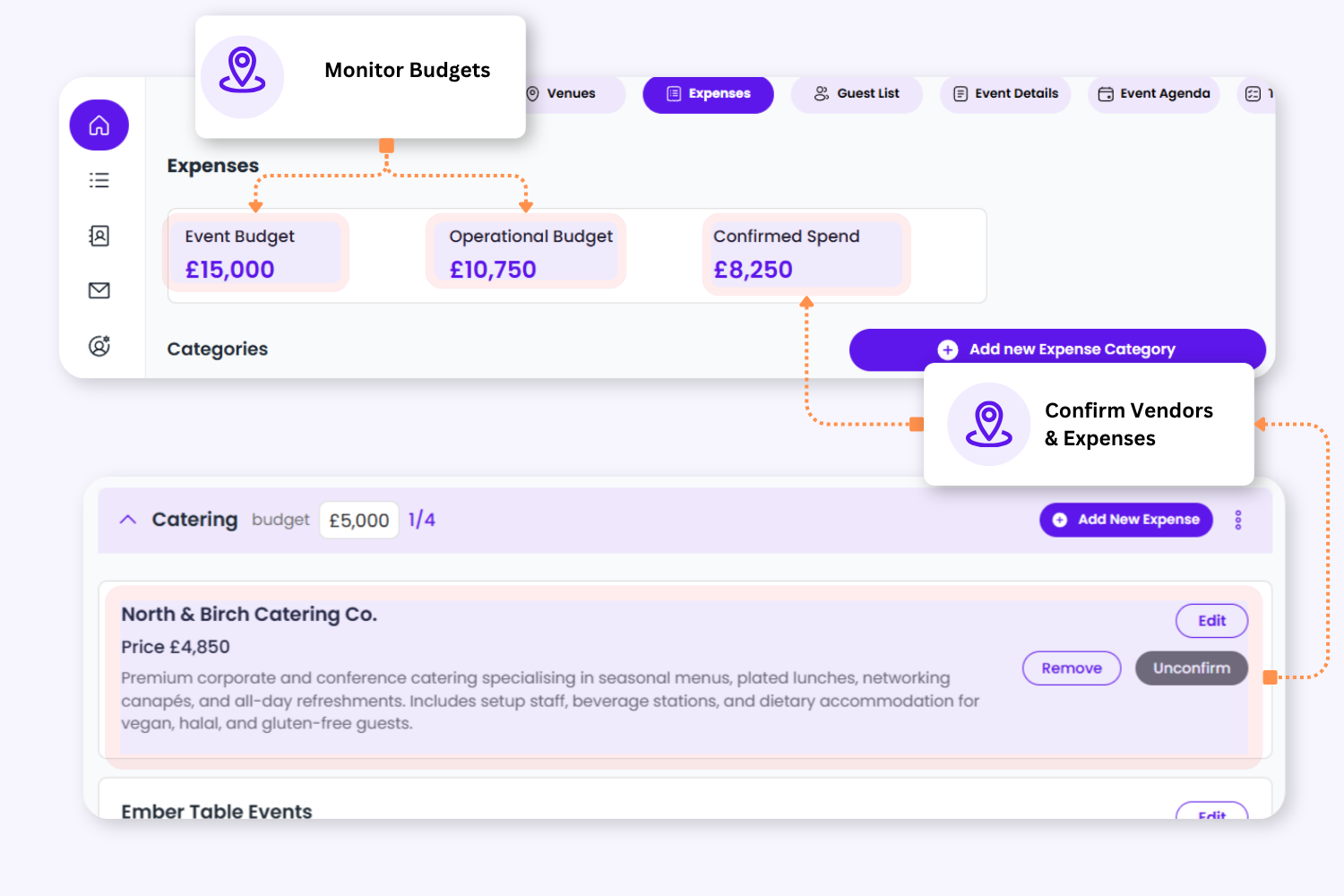
Expenses are automatically grouped using the same categories created in your Budget Planner, helping planners stay organised from budgeting through to final spend.
View allocated budgets, track active expense items, and create additional categories whenever your event requirements change.
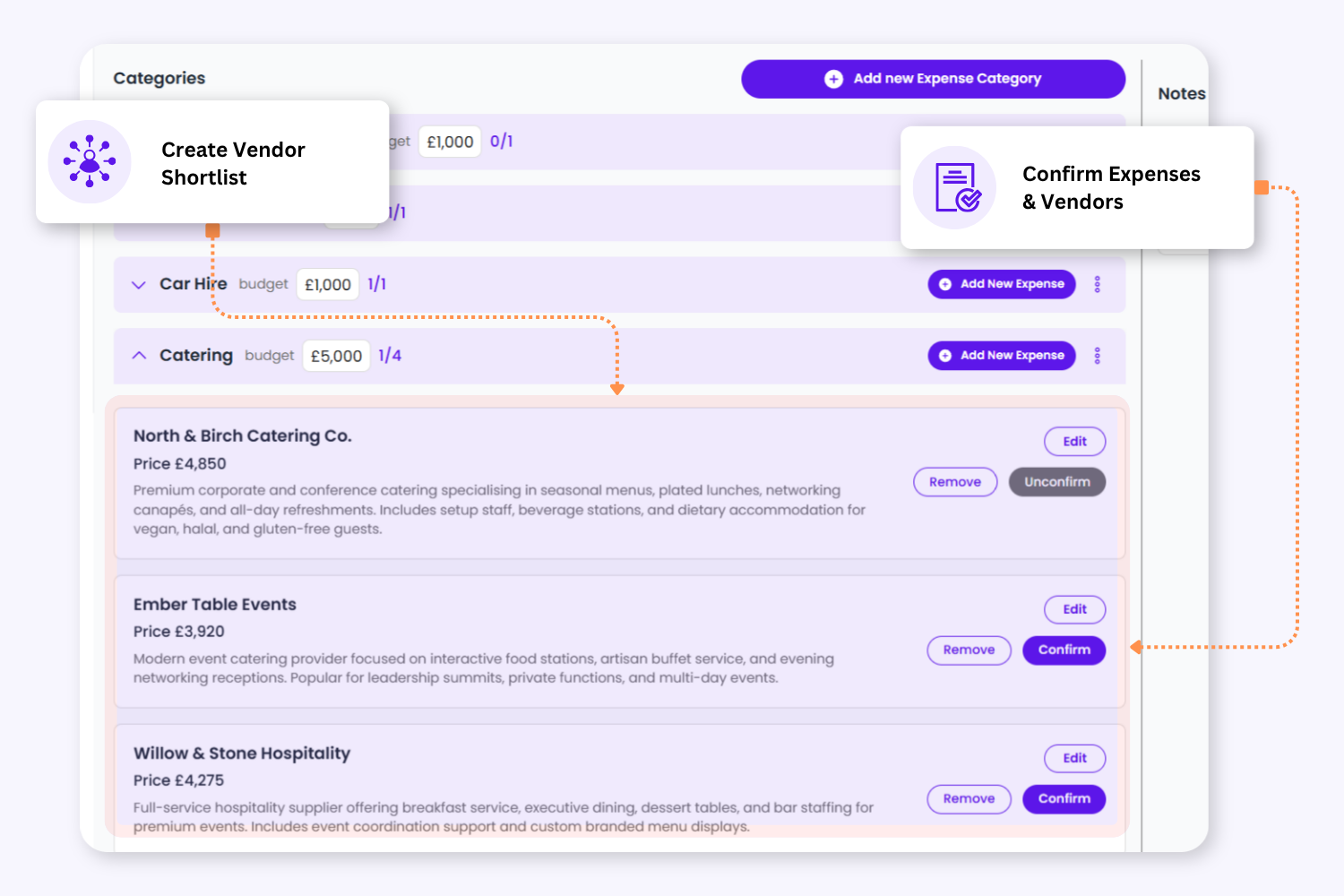
2. Shortlist Vendors Before You Commit
Add suppliers and expense options without immediately affecting your confirmed spend totals.
Store vendor details, compare quotes, and manage multiple options while your team reviews pricing, availability, and final decisions.
2. Shortlist Vendors Before You Commit
Add suppliers and expense options without immediately affecting your confirmed spend totals.
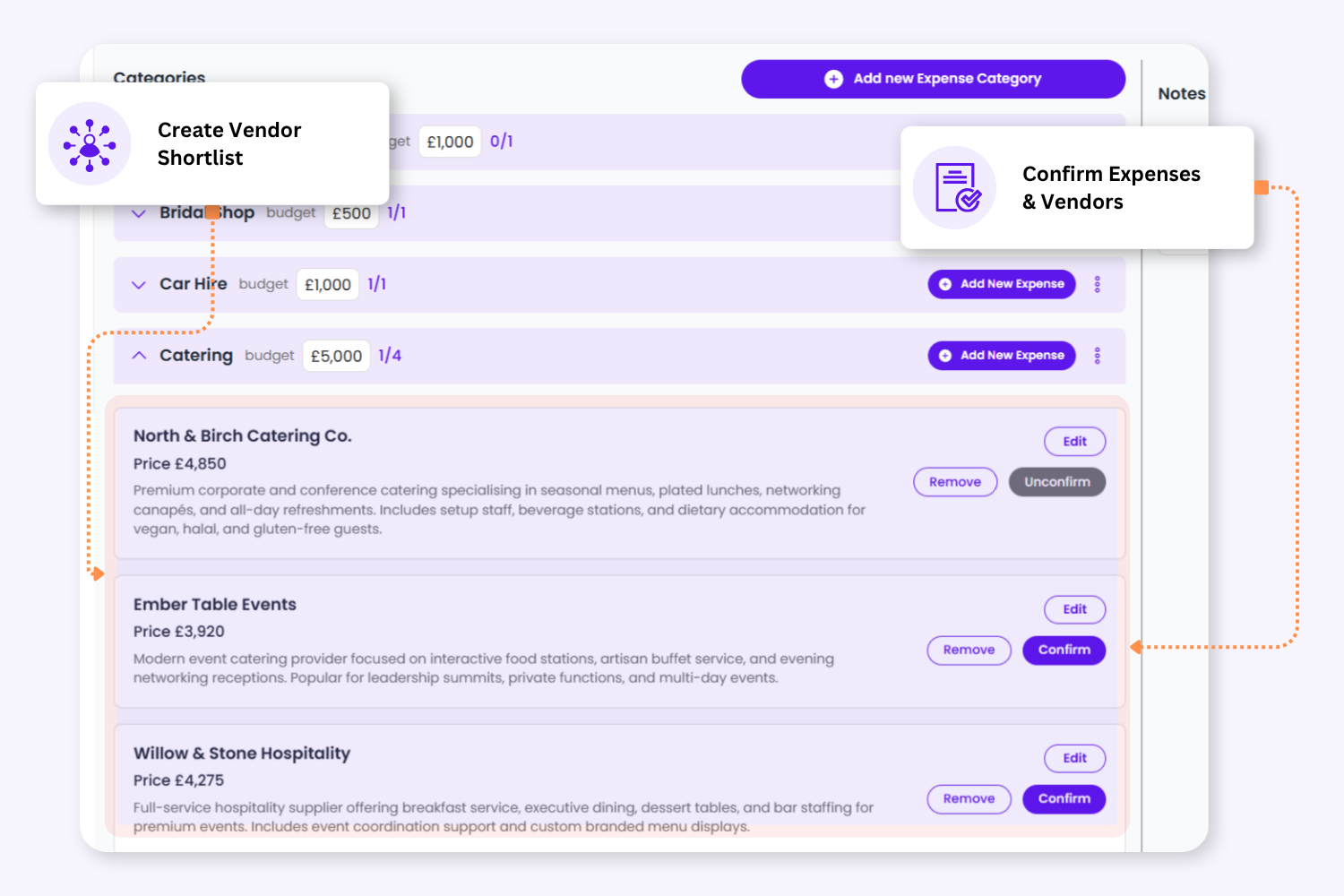
Store vendor details, compare quotes, and manage multiple options while your team reviews pricing, availability, and final decisions.
3. Stay In Control Of Operational Spending
Monitor your operational budget and confirmed spend from a single dashboard.
Once expenses are confirmed, totals automatically update so planners always have a live view of committed event costs. Overspend warnings help teams spot budget issues early.
4. Store Supplier Details In One Place
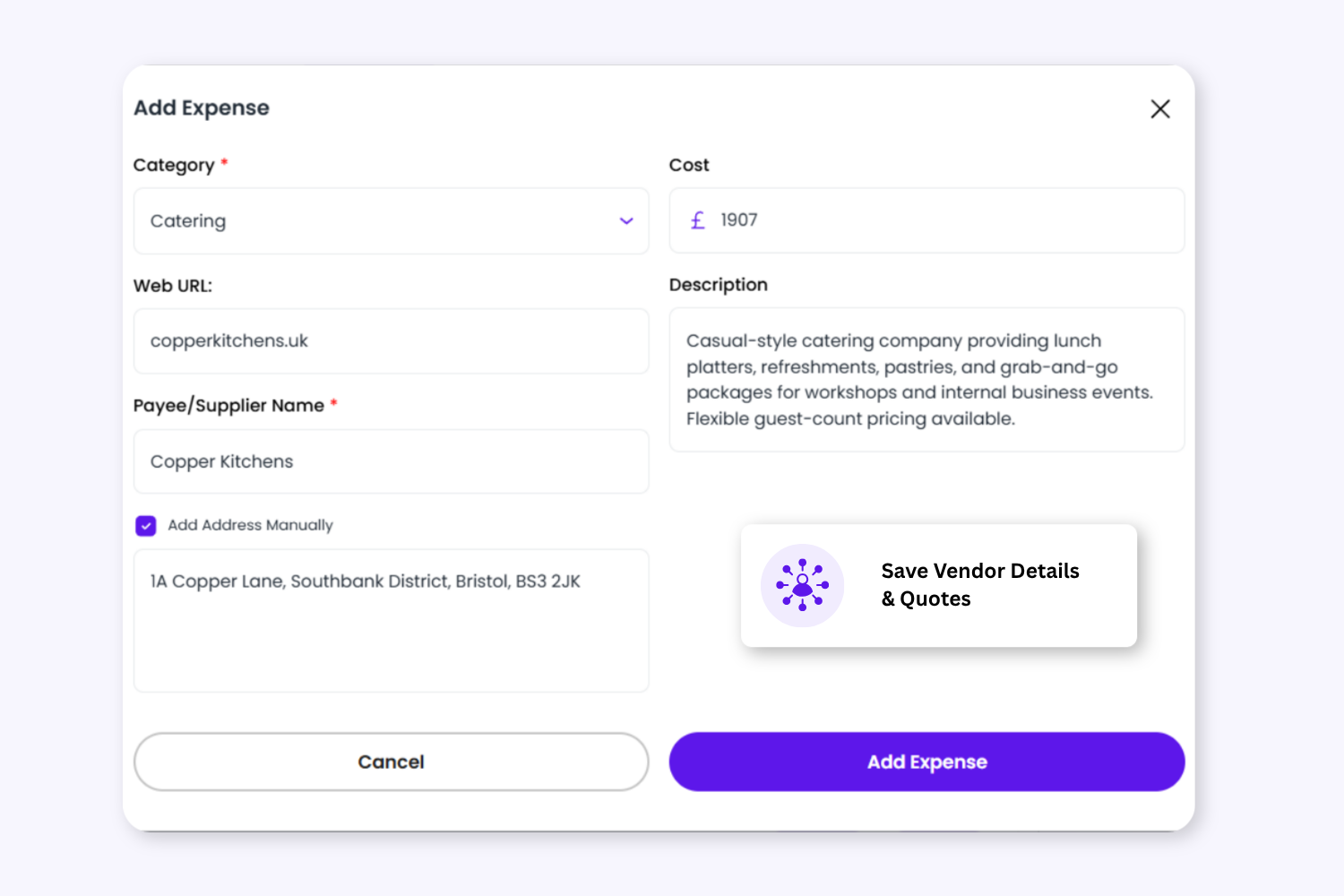
Keep important vendor information connected to each expense entry for easier collaboration and future reference.
Store supplier websites, addresses, notes, comments, and planning reminders directly inside the event workspace.
4. Store Supplier Details In One Place
Keep important vendor information connected to each expense entry for easier collaboration and future reference.
Store supplier websites, addresses, notes, comments, and planning reminders directly inside the event workspace.
Keep Vendor Planning Organised From Start To Finish
Create your event budget and allocate spending across categories.
Add Vendors & Expense Options
Store supplier information, quotes, and estimated costs.
Review & Compare Options
Compare vendors before making final decisions.
Confirm Expenses
Mark agreed or completed costs as confirmed.
Track Final Spend
Monitor confirmed spend against your operational budget in real time.
Keep Planning Notes Connected To Your Expenses
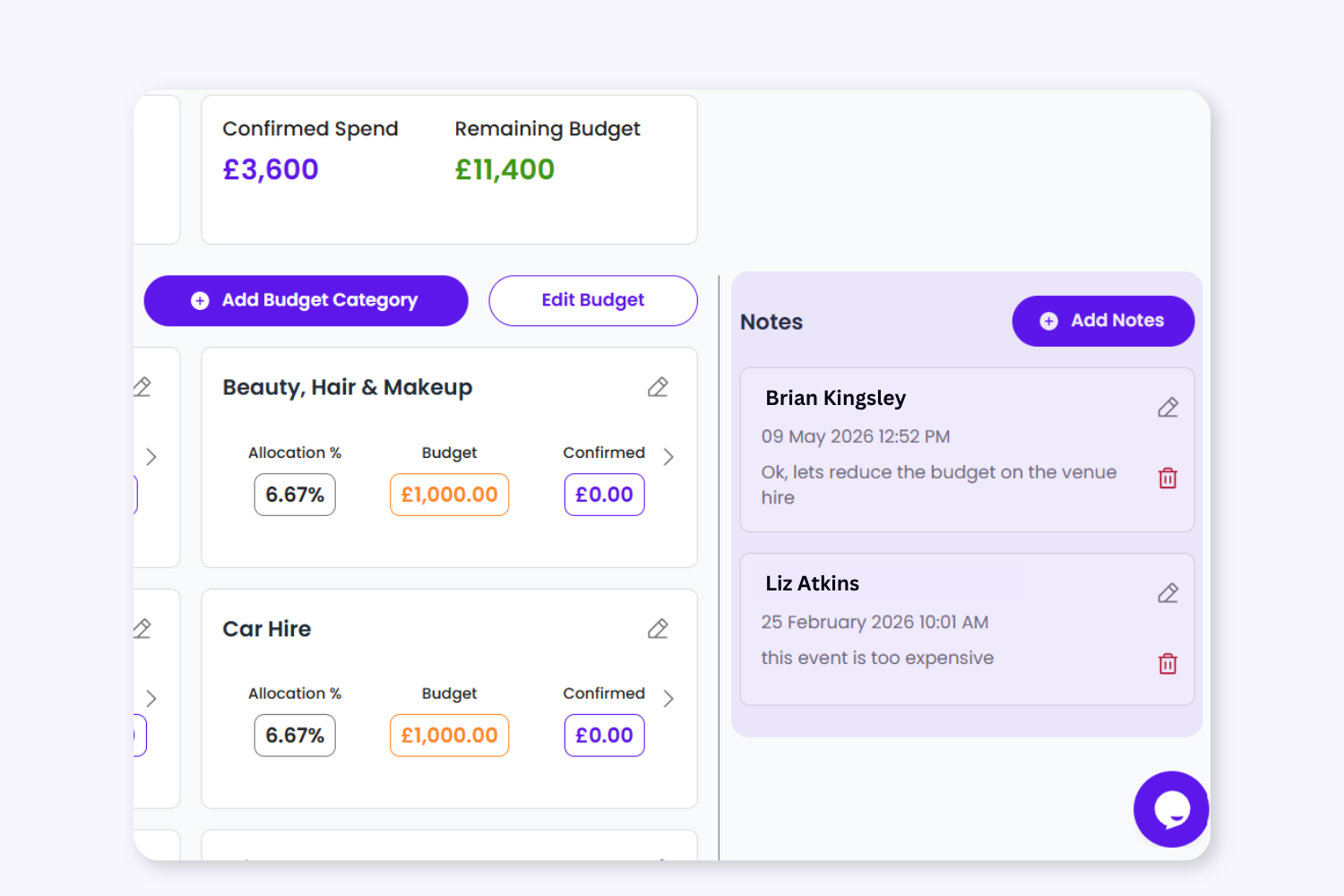
Add shared notes, reminders, and planning comments directly inside the Expenses workspace so your team can stay aligned throughout the planning process.
Use notes to track supplier conversations, pending decisions, payment reminders, or internal updates without relying on separate documents or chat threads.
To provide the best experiences, we use technologies like cookies to store and/or access device information. Consenting to these technologies will allow us to process data such as browsing behaviour or unique IDs on this site. Not consenting or withdrawing consent, may adversely affect certain features and functions.
Functional
Always active
The technical storage or access is strictly necessary for the legitimate purpose of enabling the use of a specific service explicitly requested by the subscriber or user, or for the sole purpose of carrying out the transmission of a communication over an electronic communications network.
Preferences
The technical storage or access is necessary for the legitimate purpose of storing preferences that are not requested by the subscriber or user.
Statistics
The technical storage or access that is used exclusively for statistical purposes.The technical storage or access that is used exclusively for anonymous statistical purposes. Without a subpoena, voluntary compliance on the part of your Internet Service Provider, or additional records from a third party, information stored or retrieved for this purpose alone cannot usually be used to identify you.
Marketing
The technical storage or access is required to create user profiles to send advertising, or to track the user on a website or across several websites for similar marketing purposes.