Give atendees a single place to access event details, schedules, guest information, chat, galleries, and live event updates before, during, and after the event.
The Envitely Event Hub gives guests one organised place for schedules, announcements, media, and important event updates. Keep guests informed, connected, and prepared throughout the event.
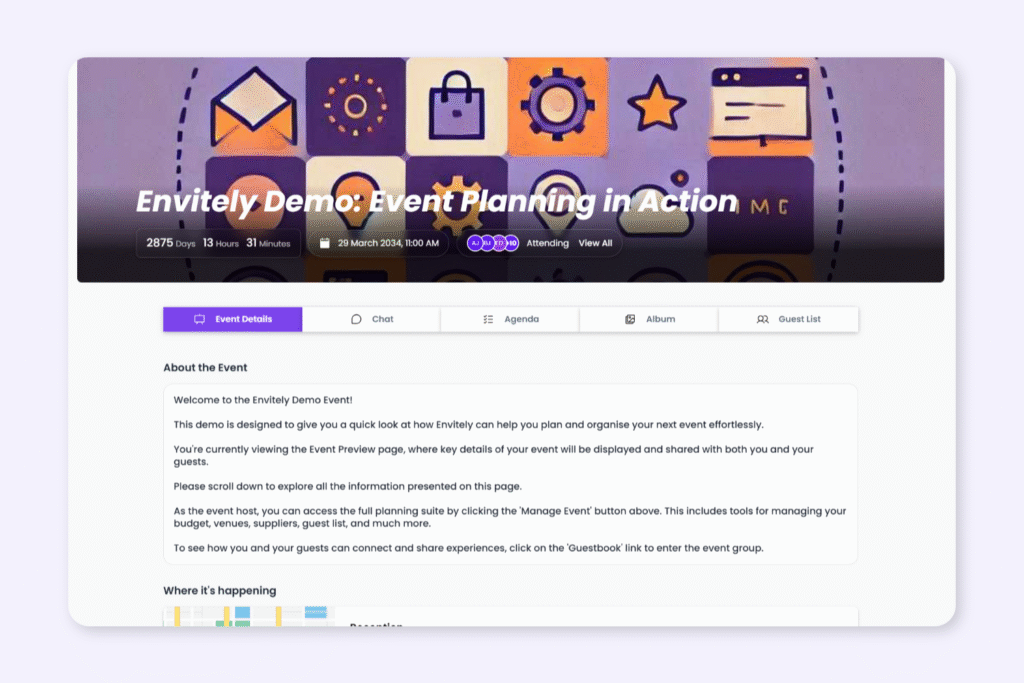
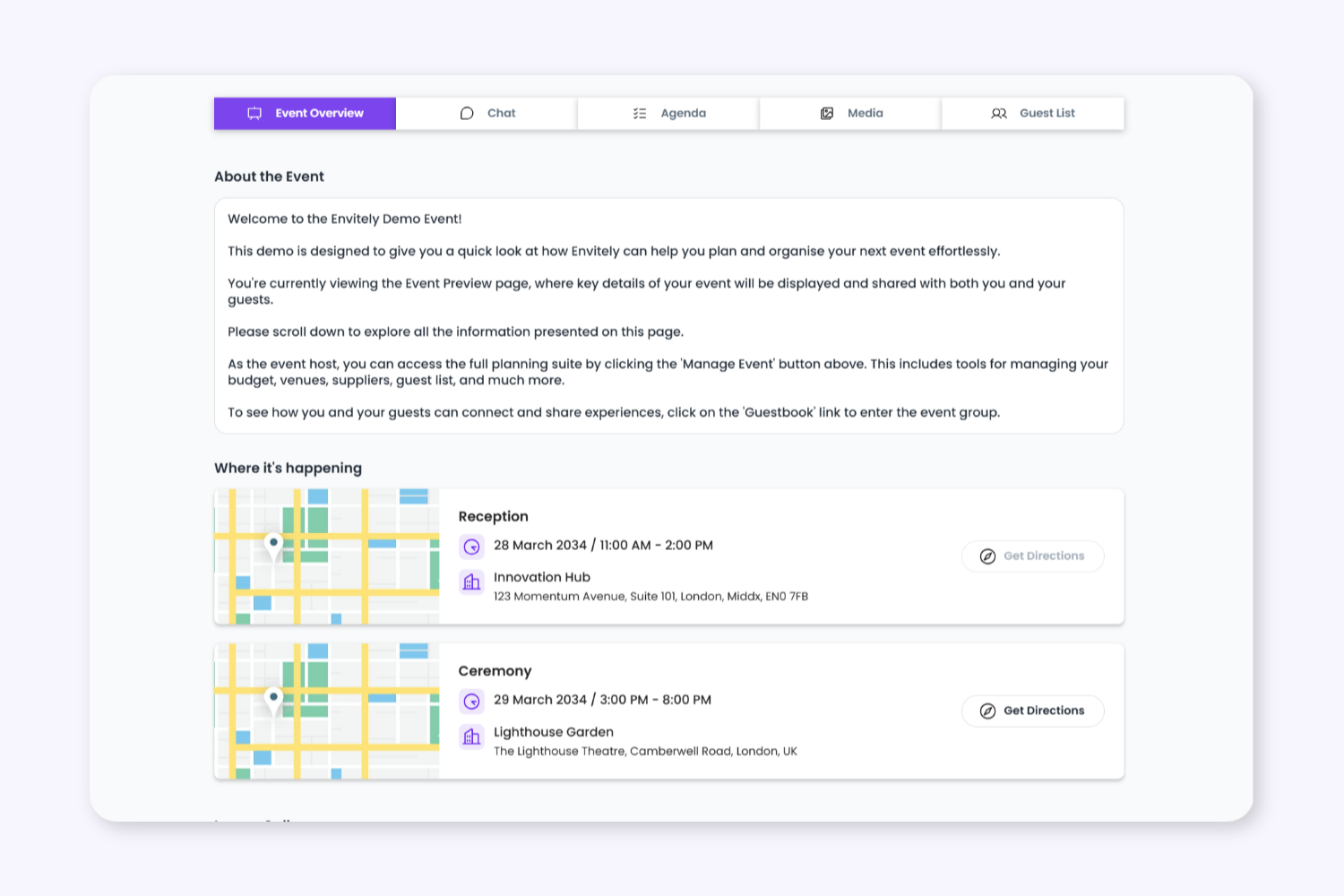
Event Overview
1. Give Guests One Central Place for Event Information
Share venues, schedules, organisers, announcements, maps, directions, guest information, and important event updates in one easy-to-access event overview page.
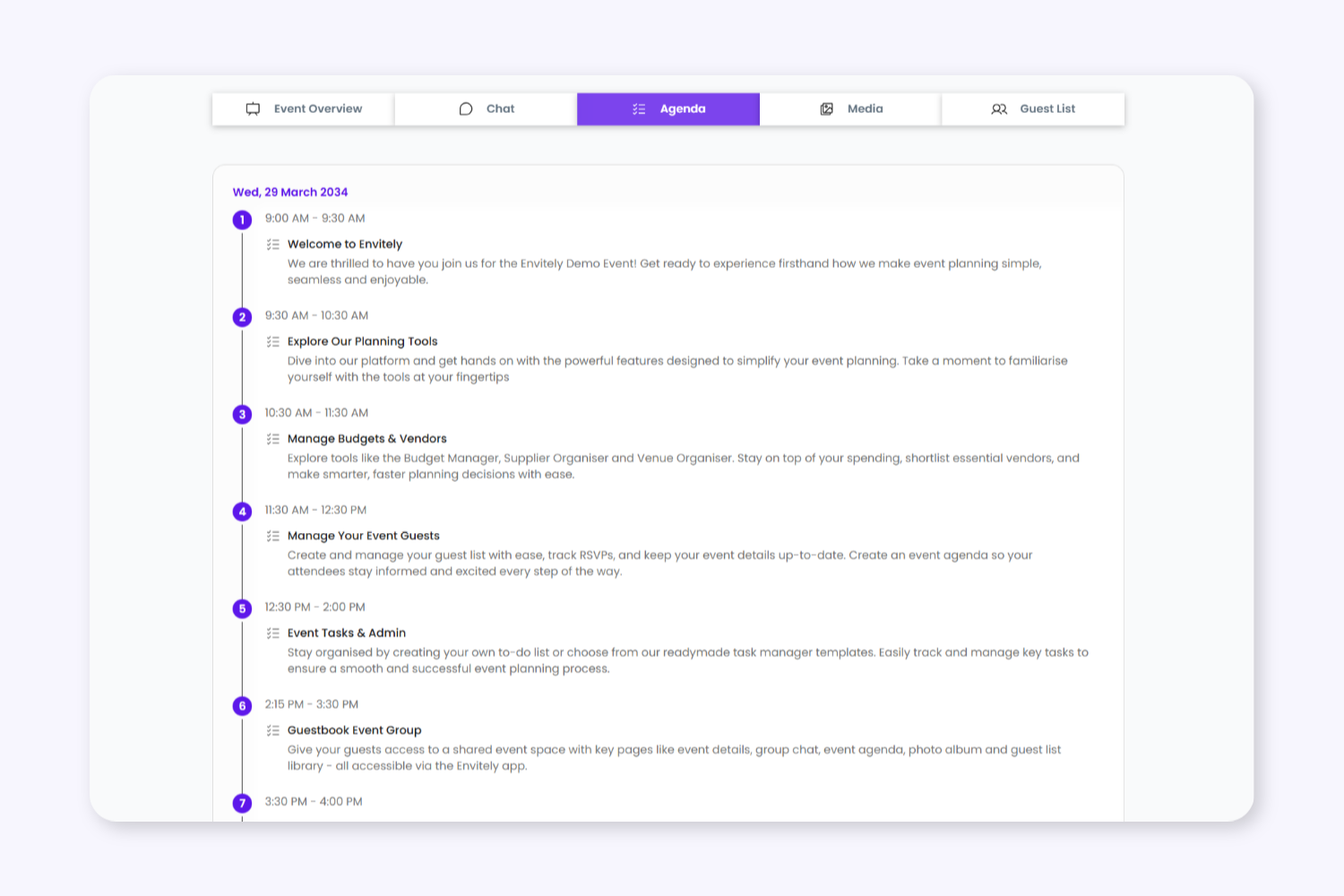
Agenda
2. Provide Live Schedule Access
Guests can access live agendas, session schedules, timings, and multi-day event plans directly inside the Event Hub, with updates appearing automatically in real time.
Agenda
2. Provide Live Schedule Access
Guests can access live agendas, session schedules, timings, and multi-day event plans directly inside the Event Hub, with updates appearing automatically in real time.
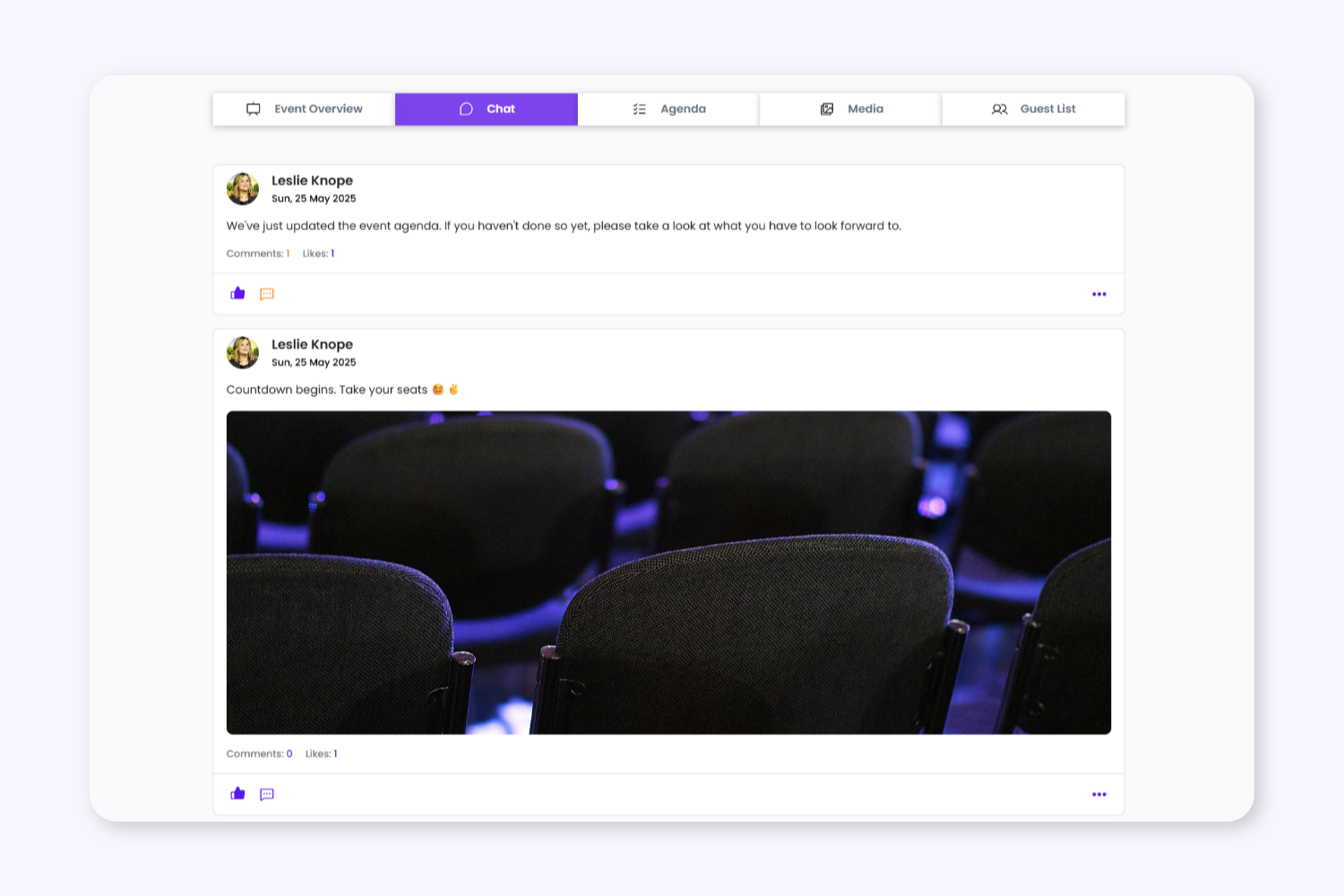
Event Chat
3. Communicate With Guests in Real Time
Use built-in event chat to answer questions, share announcements, and keep attendees connected before, during, and after the event.
Media Gallery
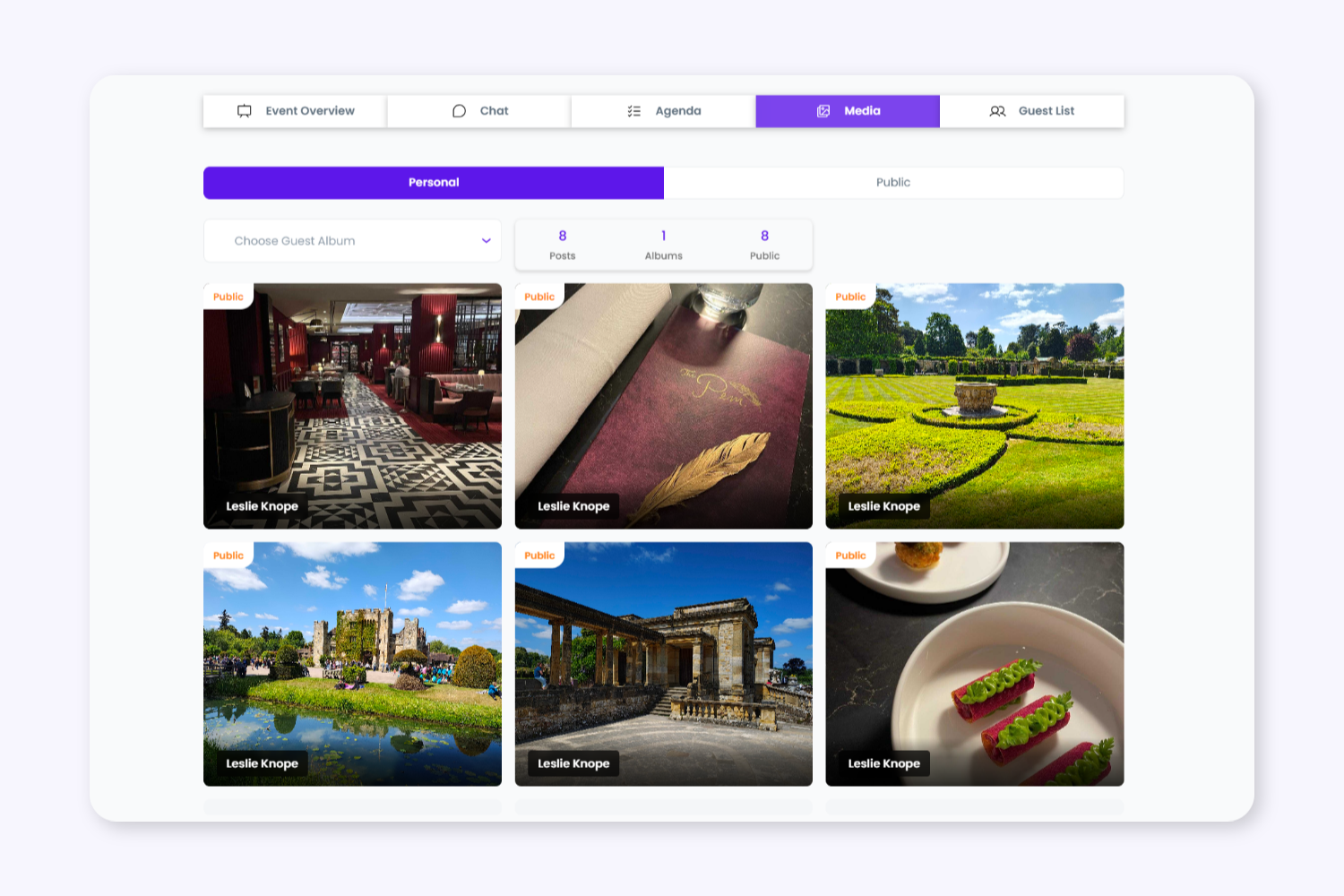
4. Create Shared Event Galleries
Allow attendees to upload and view event photos throughout the event while organisers manage visibility, permissions, and shared media access.
Media Gallery
4. Create Shared Event Galleries
Quickly narrow down tasks using built-in filters designed to help planners manage larger events more efficiently. Find exactly what you need by assignee, deadline, urgency, or task status.
Guest List
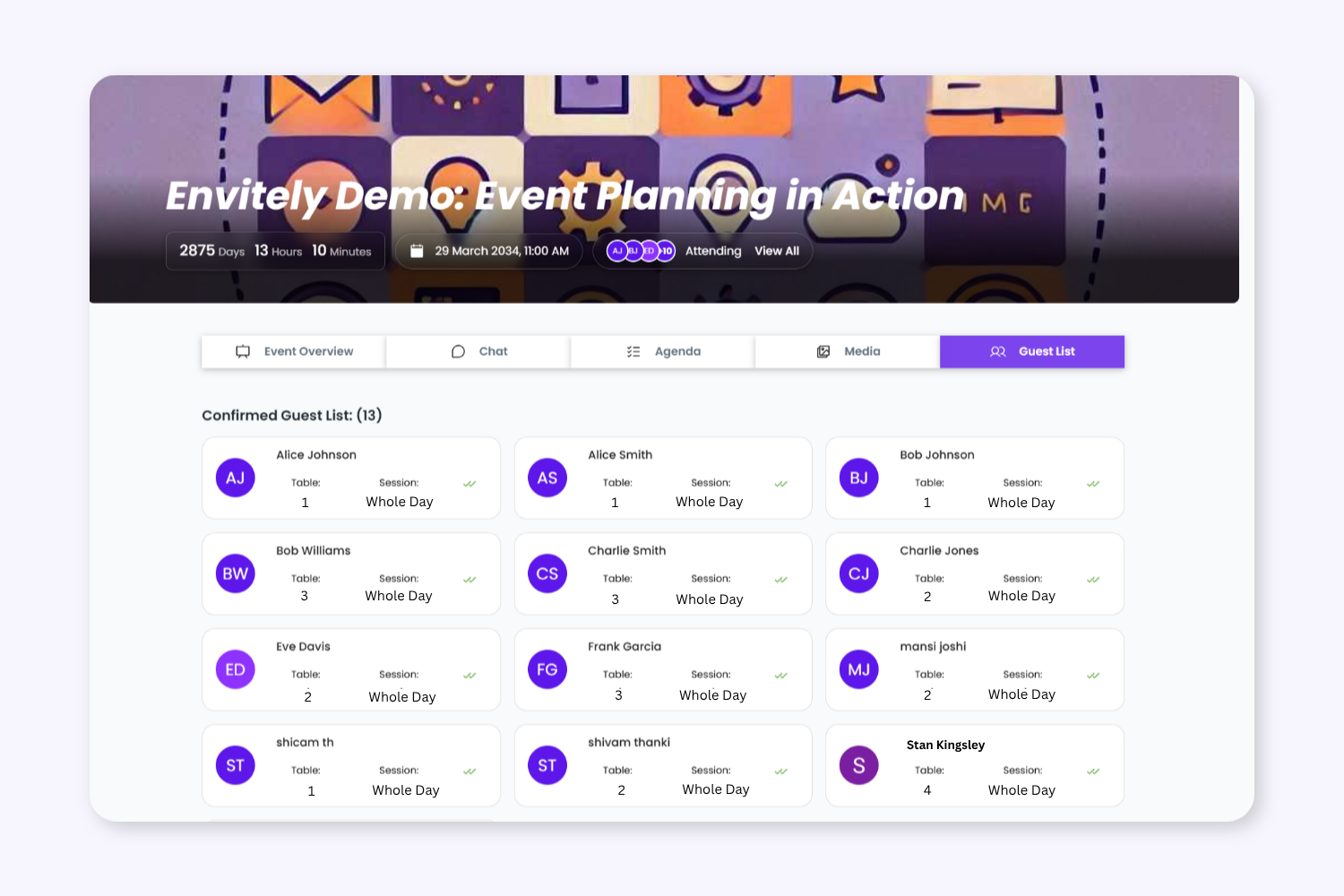
5. Control Guest Visibility and Attendance Access
Allow attendees to view confirmed guests, groups, and event participation while keeping visibility controlled through organiser permissions. Hosts can choose whether guests see the full attendee list or only their own event details
Keep Event Planning Tasks Organised From Start To Finish
The Event Hub is a central guest experience area where attendees can access schedules, updates, announcements, event details, shared photos, and communication tools.
To provide the best experiences, we use technologies like cookies to store and/or access device information. Consenting to these technologies will allow us to process data such as browsing behaviour or unique IDs on this site. Not consenting or withdrawing consent, may adversely affect certain features and functions.
Functional
Always active
The technical storage or access is strictly necessary for the legitimate purpose of enabling the use of a specific service explicitly requested by the subscriber or user, or for the sole purpose of carrying out the transmission of a communication over an electronic communications network.
Preferences
The technical storage or access is necessary for the legitimate purpose of storing preferences that are not requested by the subscriber or user.
Statistics
The technical storage or access that is used exclusively for statistical purposes.The technical storage or access that is used exclusively for anonymous statistical purposes. Without a subpoena, voluntary compliance on the part of your Internet Service Provider, or additional records from a third party, information stored or retrieved for this purpose alone cannot usually be used to identify you.
Marketing
The technical storage or access is required to create user profiles to send advertising, or to track the user on a website or across several websites for similar marketing purposes.