Event Agenda

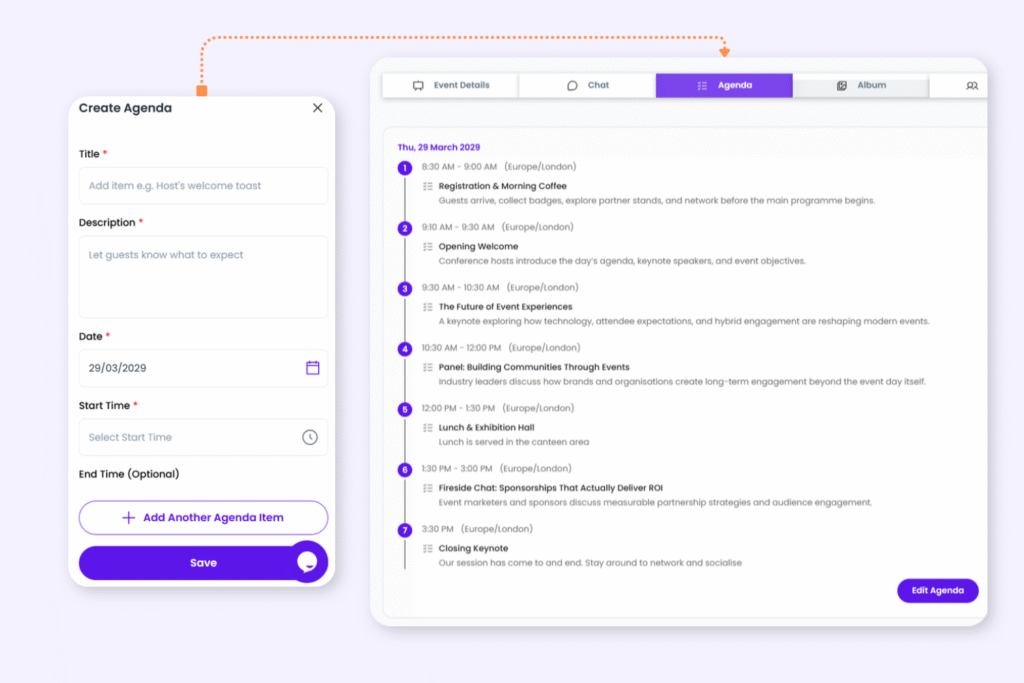
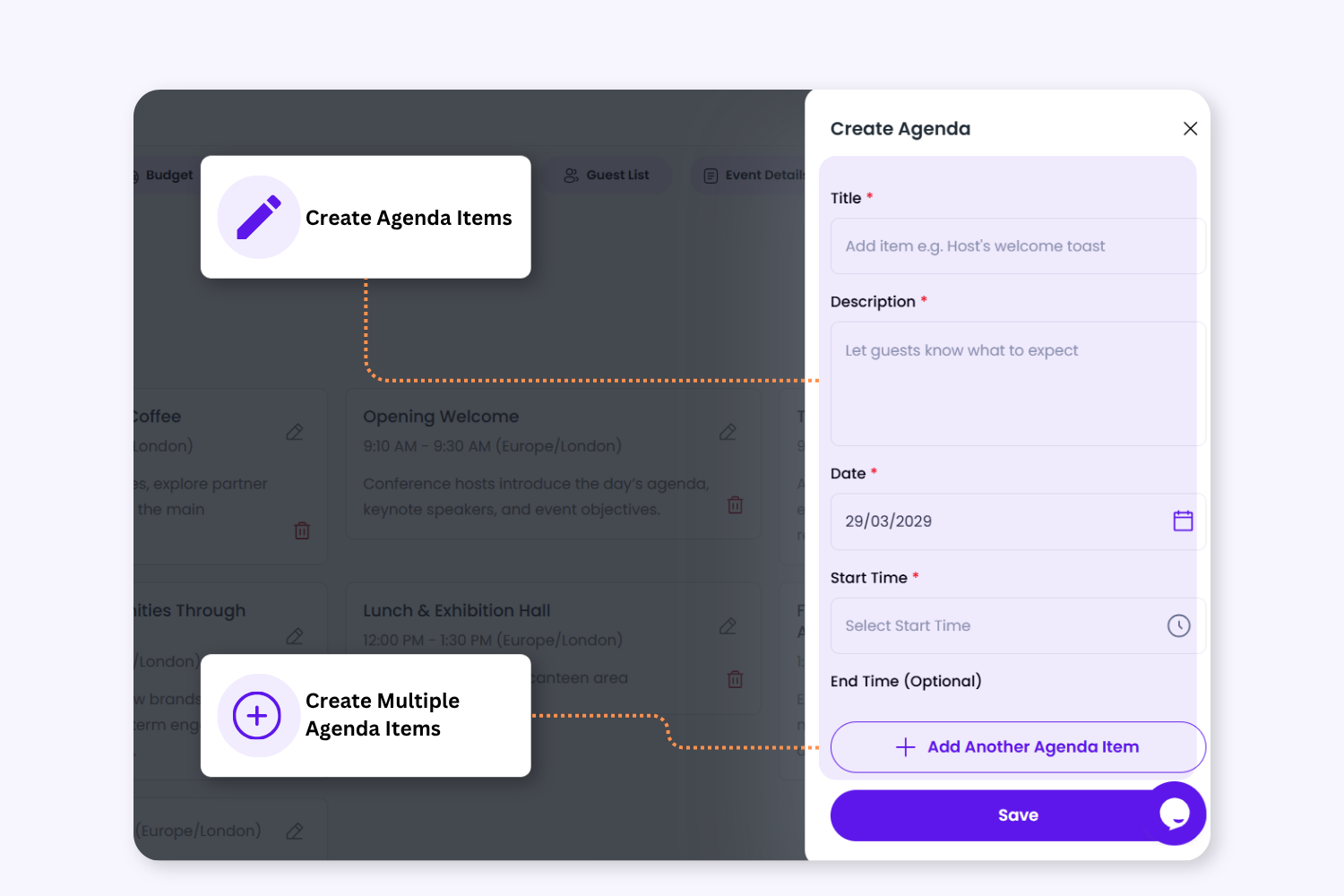
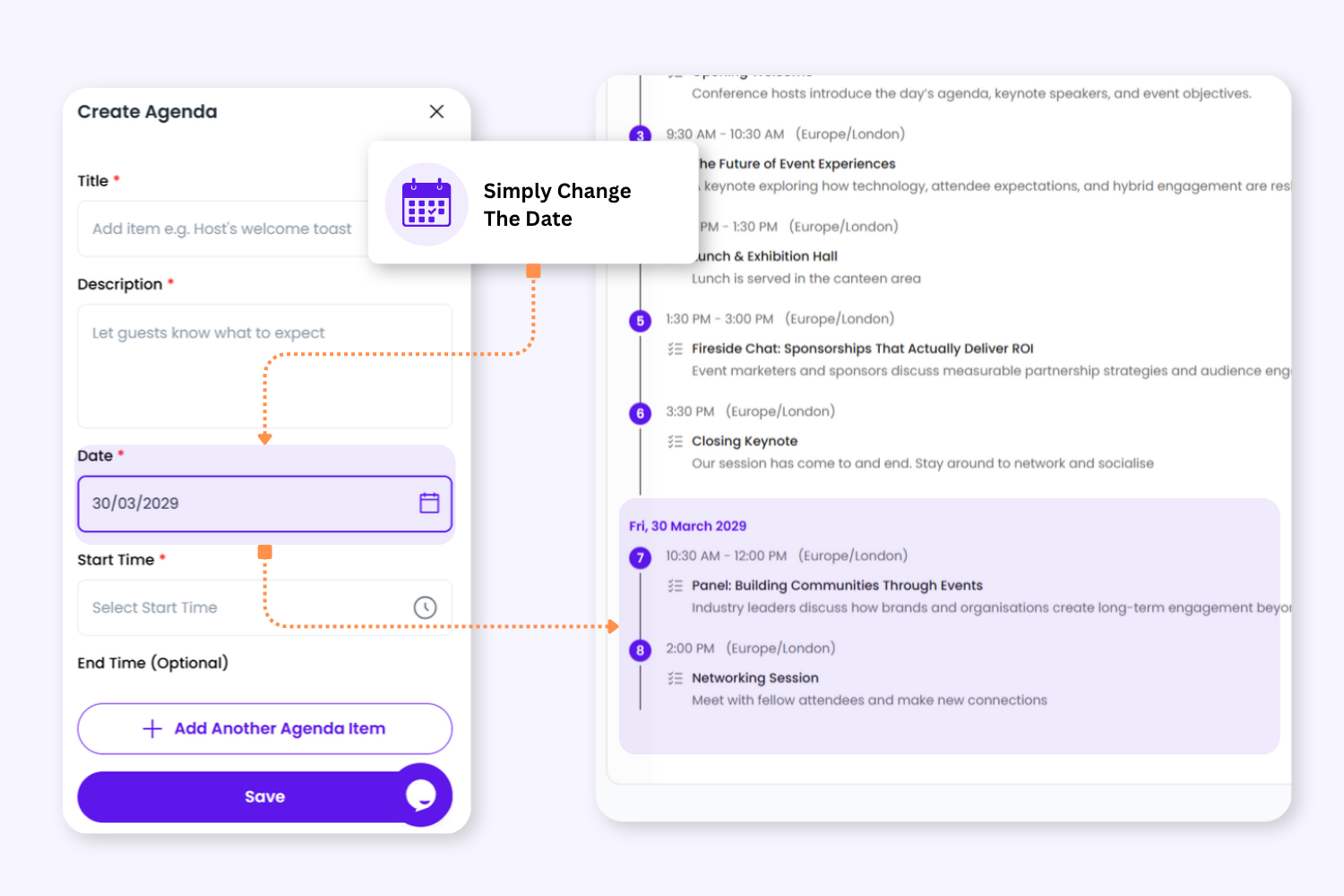
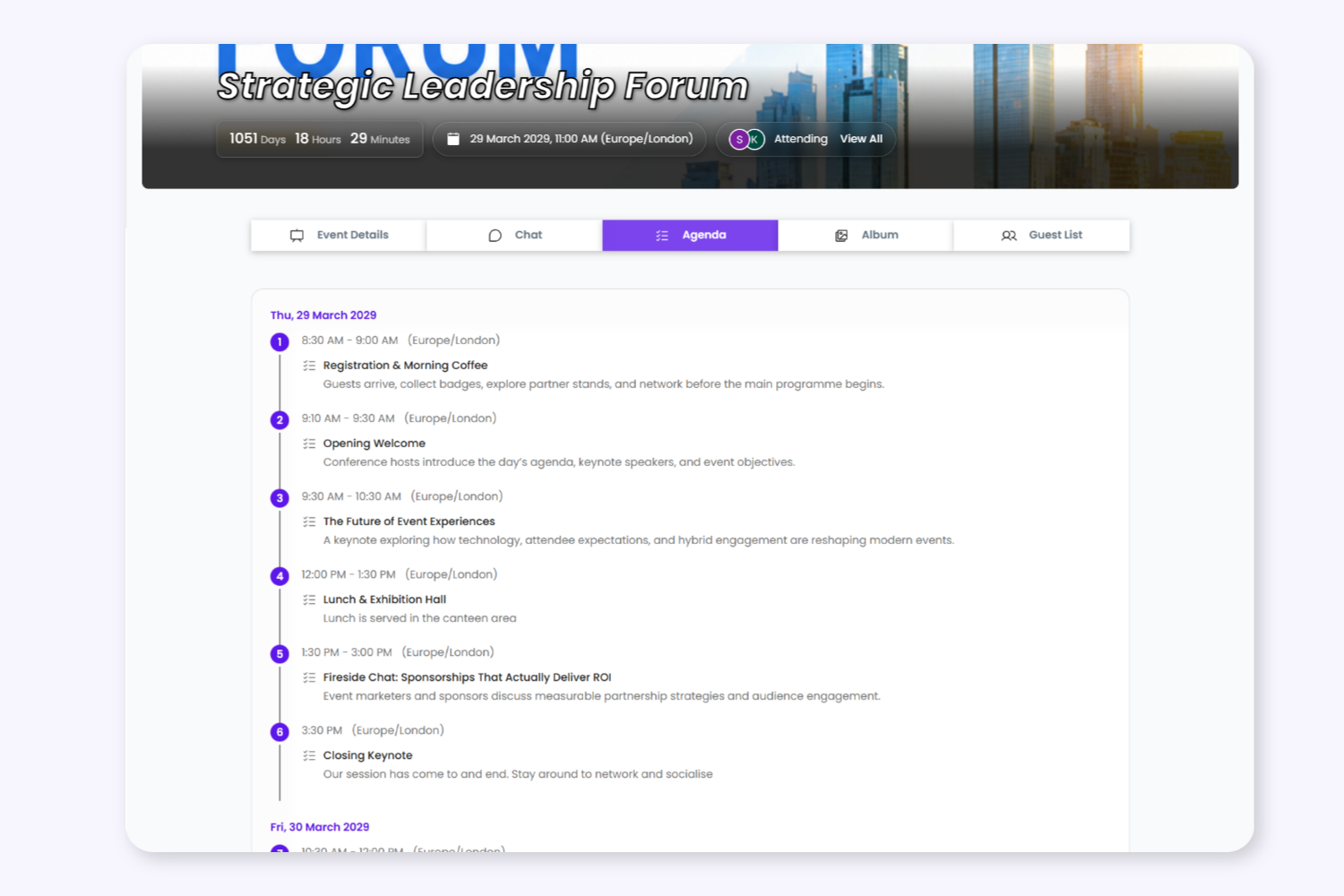
Keep Guests In Sync With Your Event Schedule

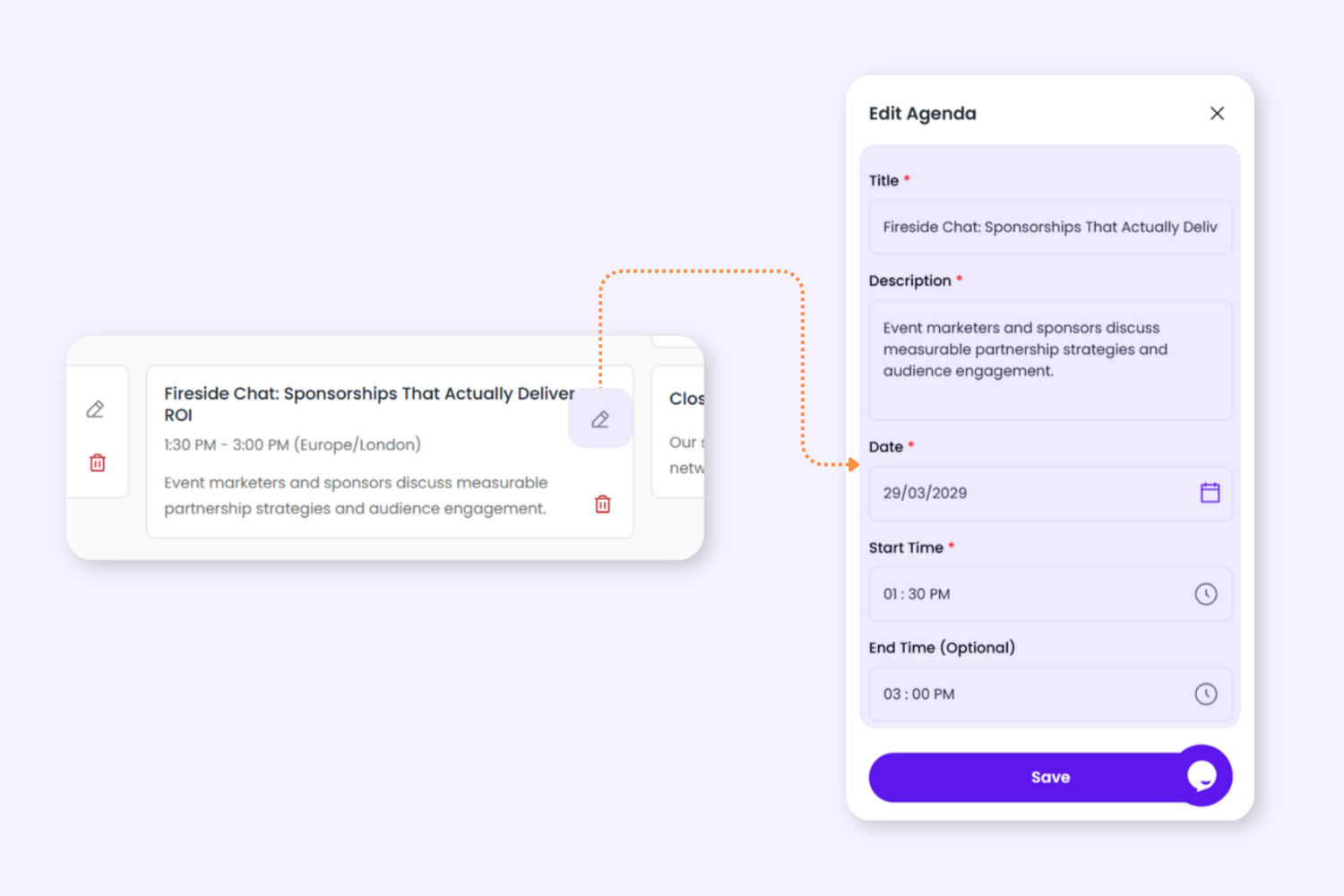
Create and share live event schedules through the Event Hub so guests always know what’s happening, where to be, and what’s coming next.

Real-time spend visibility

Category-based budget planning

Team collaboration & notes

Real-time spend visibility
Category-based budget planning
Team collaboration & notes

Plan, Allocate, and Track Event Spending

A structured workflow to help planners manage budgets, monitor costs, and stay aligned throughout the event planning process.

1.Set Your Total Event Budget

Start by defining your overall event budget so your team can plan spending with clear financial visibility from day one.

2. Allocate Budgets Across Categories

Distribute your budget across categories like venue, catering, décor, transport, and entertainment using editable category-based planning.

2. Allocate Budgets Across Categories

Distribute your budget across categories like venue, catering, décor, transport, and entertainment using editable category-based planning.

3. Add Custom Budget Categories

Create your own custom categories to match the structure and requirements of your event.

4. Update Allocations Anytime

Expenses and venue costs automatically contribute to your confirmed spend totals, giving planners better visibility into real event costs.

4. Update Allocations Anytime

Expenses and venue costs automatically contribute to your confirmed spend totals, giving planners better visibility into real event costs.

5.Monitor Confirmed Costs Automatically

Expenses and venue costs automatically contribute to your confirmed spend totals, giving planners better visibility into real event costs.

6. Collaborate With Your Planning Team

Shared planner notes help teams communicate budget updates, decisions, and financial changes throughout the planning process.

6. Collaborate With Your Planning Team

Shared planner notes help teams communicate budget updates, decisions, and financial changes throughout the planning process.

Ready to streamline your event planning workflow?

Designed for everyone involved

Category-Based Planning

Allocate budgets in a way that matches your event structure and priorities.

Real-Time Spend Visibility

Track allocated, confirmed, and remaining budgets as your event evolves.

Flexible Budget Management

Edit categories and allocations anytime throughout the planning process.

Connected Cost Tracking

Venue and expense costs automatically contribute to overall spend visibility.

Shared Planner Notes

Keep planners aligned with collaborative notes and budget updates.

Save Time & Money
Manage More events
Deliver better experiences
Focus on what you do best

FAQ

Yes. Create custom categories and allocate budgets based on your event requirements.

Yes. Planner roles can view and collaborate on budget planning and notes.

Confirmed expenses and venue costs contribute toward overall spend visibility.

Yes. Budget categories and allocations can be updated anytime during planning.

Yes. The budget workflow is flexible for weddings, corporate events, fundraisers, festivals, conferences, and more.

Plan on Desktop. Manage on Mobile.​​​​

Sign up free and have your event set up in minutes. No spreadsheets, no chasing – just a celebration worth remembering. Sign up now or download app to get started.

Ready to manage events with less stress?

Join agencies using Envitely to simplify planning, improve collaboration, and deliver exceptional event experiences.