Free Guest Allocation Template

Organise guests across tables, rooms, zones and other locations with our free guest allocation template.


Get an editable Excel template and practical PDF guide to help you assign guests, manage capacity and keep your allocations organised.

Includes an editable Excel template + PDF guide. No sign-up required.

What Is a Guest Allocation Template?

A guest allocation template helps you organise where guests should be assigned during an event. It provides a structured way to allocate guests to tables, rooms, zones, transport, accommodation or other locations while keeping track of capacity and availability.

Organise guest allocations in one place

Assign guests to tables, rooms or other locations

Keep track of available capacity

Identify unassigned guests

Manage changes as your plans develop
What's Included in the Free Guest Allocation Template?

Your free resource includes an editable Excel guest allocation template and a practical PDF guide to help you organise guests and manage capacity.

1 - Editable Excel Guest Allocation Template

Use the workbook to create your available allocations, assign guests and keep track of capacity. The template helps you:


  • Create tables, rooms, zones and other allocations

  • Set capacity for each allocation

  • Assign individual guests

  • Track assigned and unassigned guests

  • Monitor remaining capacity

  • Record dietary and accessibility requirements

  • Review allocations with a visual dashboard

2 - Guest Allocation Guide

The accompanying PDF provides practical guidance to help you set up and manage your guest allocations. The guide covers:


  • Setting up your available allocations

  • Adding and assigning guests

  • Managing allocation capacity

  • Handling unassigned guests

  • Reviewing and updating allocations

  • Practical guest allocation best practices

Includes the editable Excel template + PDF guide in one ZIP file.

Take a Look Inside the Guest Allocation Template

This page should differ slightly from Budget, Timeline and Run Sheet because there are three genuinely useful functional views in the workbook.

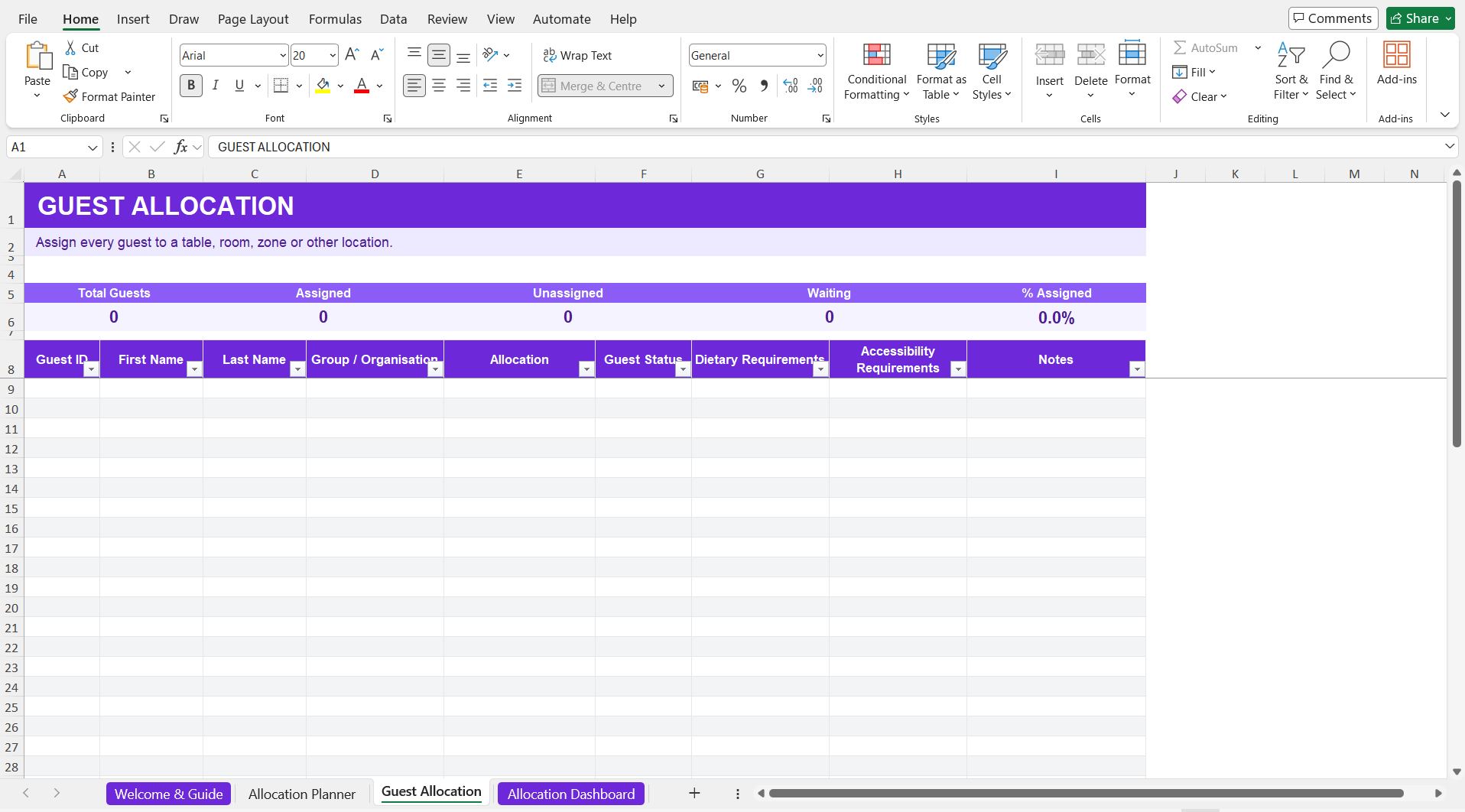
1. Guest Allocation
Assign Every Guest

Add your guests and assign each person to an available location while keeping dietary, accessibility and other important information organised.

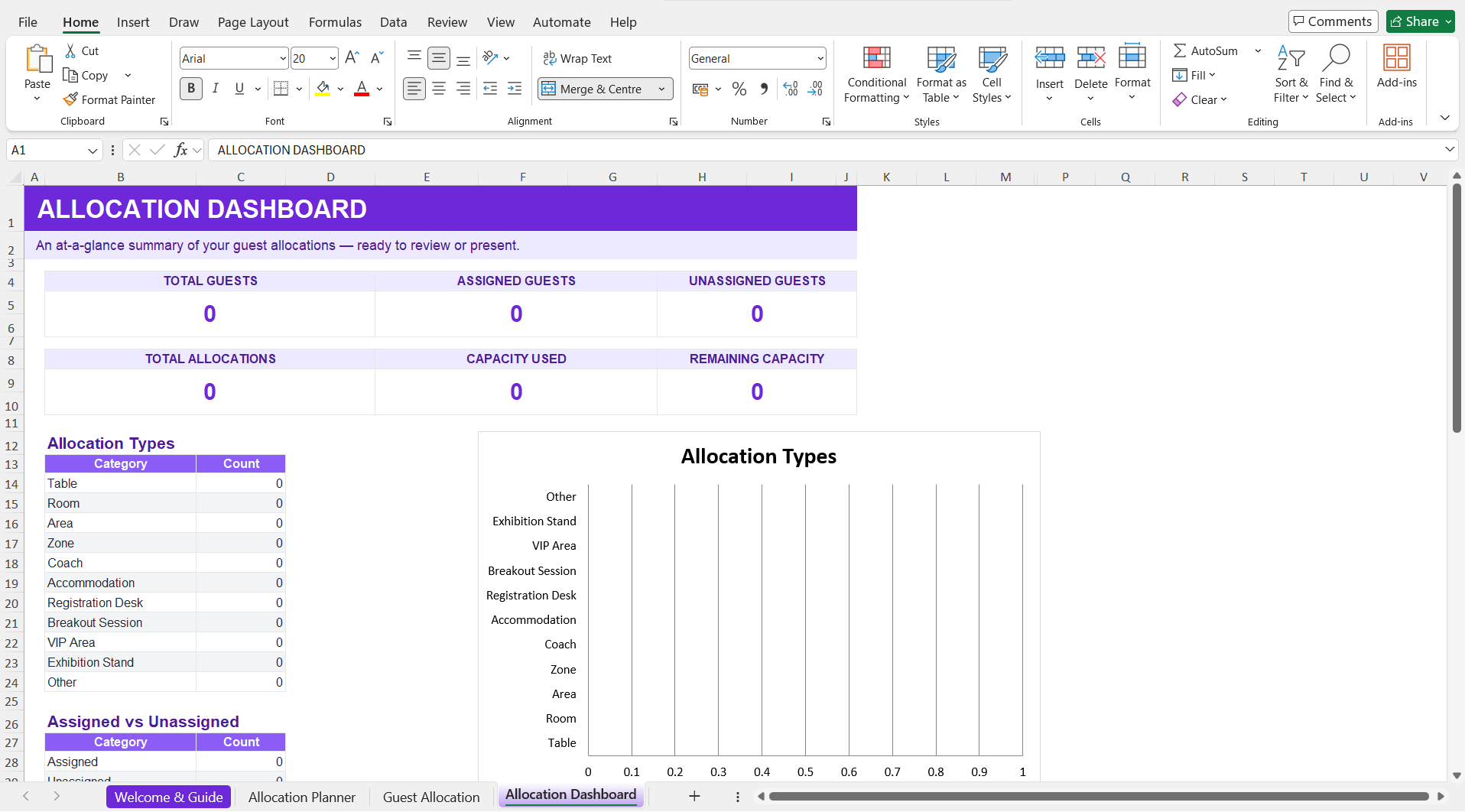
2. Allocation Dashboard
Review Allocations at a Glance

See total guests, assigned and unassigned guests, available allocations, capacity used and remaining capacity in one visual overview.

How to Use the Guest Allocation Template

Organise your guest allocations in three simple steps.

Set Up Your Allocations

Add the tables, rooms, zones or other locations available at your event and enter the capacity for each.

Add & Assign Guests

Add your guests and use the allocation options to assign each person to the appropriate location.

Review & Adjust

Monitor assigned guests and remaining capacity, identify anyone still unassigned and make changes as your plans develop.

What Can You Use Guest Allocation For?

For this resource, I think this is a better informational section than “What Should a Guest Allocation Include?” because the flexibility of the workbook is one of its strongest features.

Table Seating

Assign guests to tables for weddings, dinners, awards ceremonies and other seated events.

Rooms

Allocate guests to bedrooms, meeting rooms, classrooms or other spaces.

Event Zones

Organise guests across different areas or zones within a venue or event site.

Transport

Assign guests to coaches, shuttles or other organised event transport.

Accommodation

Keep track of guest accommodation and room allocations.

Breakout Sessions

Allocate attendees to workshops, sessions or smaller group activities.

Registration

Organise guests across registration desks, arrival points or check-in groups.

VIP & Special Areas

Manage access to VIP areas, hospitality spaces or other restricted locations.

Manage Your Guests with Envitely

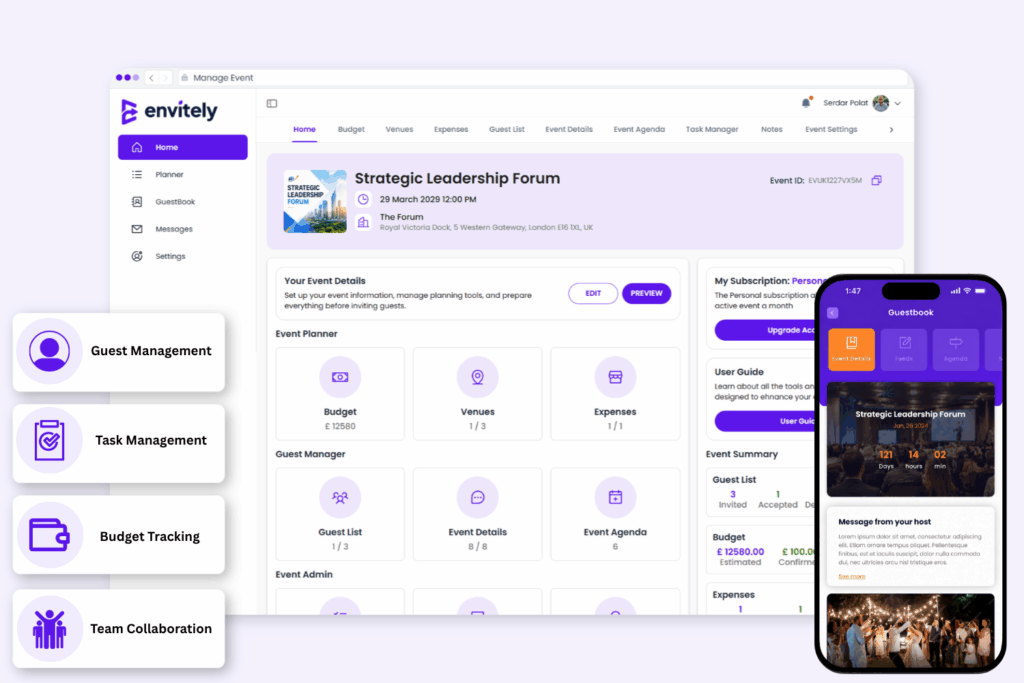
A spreadsheet is a practical way to start organising guest allocations. When you’re ready to manage more of your event in one place, Envitely brings your guest management and wider planning together in one platform.


Manage guest lists, RSVPs and allocations alongside your budget, tasks, venue and other event information, helping you keep everything connected as your plans develop.

More Free Event Planning Resources

Continue planning with our other free templates and resources.

Event Budget Template

Plan your event costs and keep budgeted and actual spending organised.

Event Timeline Template

Organise key milestones, deadlines and activities for your event.

Guest List Template

Organise guest details, attendance and RSVPs in one place.

Event Checklist Template

Plan event-day timings, activities and responsibilities.

Event Run Sheet Template

Plan event-day timings, activities and responsibilities.

Collect information and feedback before and after your event.

Guest Allocation Template FAQs

Yes. The Envitely Guest Allocation Template is free to download and does not require you to create an Envitely account.

The download includes an editable Excel guest allocation template and an accompanying PDF guide, provided together in one ZIP file.

Yes. You can create your own allocation names and types, set capacities and adapt the workbook to suit the structure of your event.

You can use it to allocate guests to tables, rooms, zones, transport, accommodation, breakout sessions, registration desks, VIP areas and other locations relevant to your event.

Yes. The workbook automatically tracks assigned guests and remaining capacity for the allocations you create, helping you identify where space is still available.

A guest list helps you organise who is invited or attending your event. Guest allocation determines where those guests should be assigned, such as a table, room, zone, coach or breakout session.

Take control of your next event

Use Envitely on your computer or download the app for free and start planning and managing your next event. Try our free demo event on registration to familiarise yourself with our tools before creating your own event.