Company Event Planners & Workplace Events

Home Solutions Company Event Planners

Plan Stress-Free Workplace Events

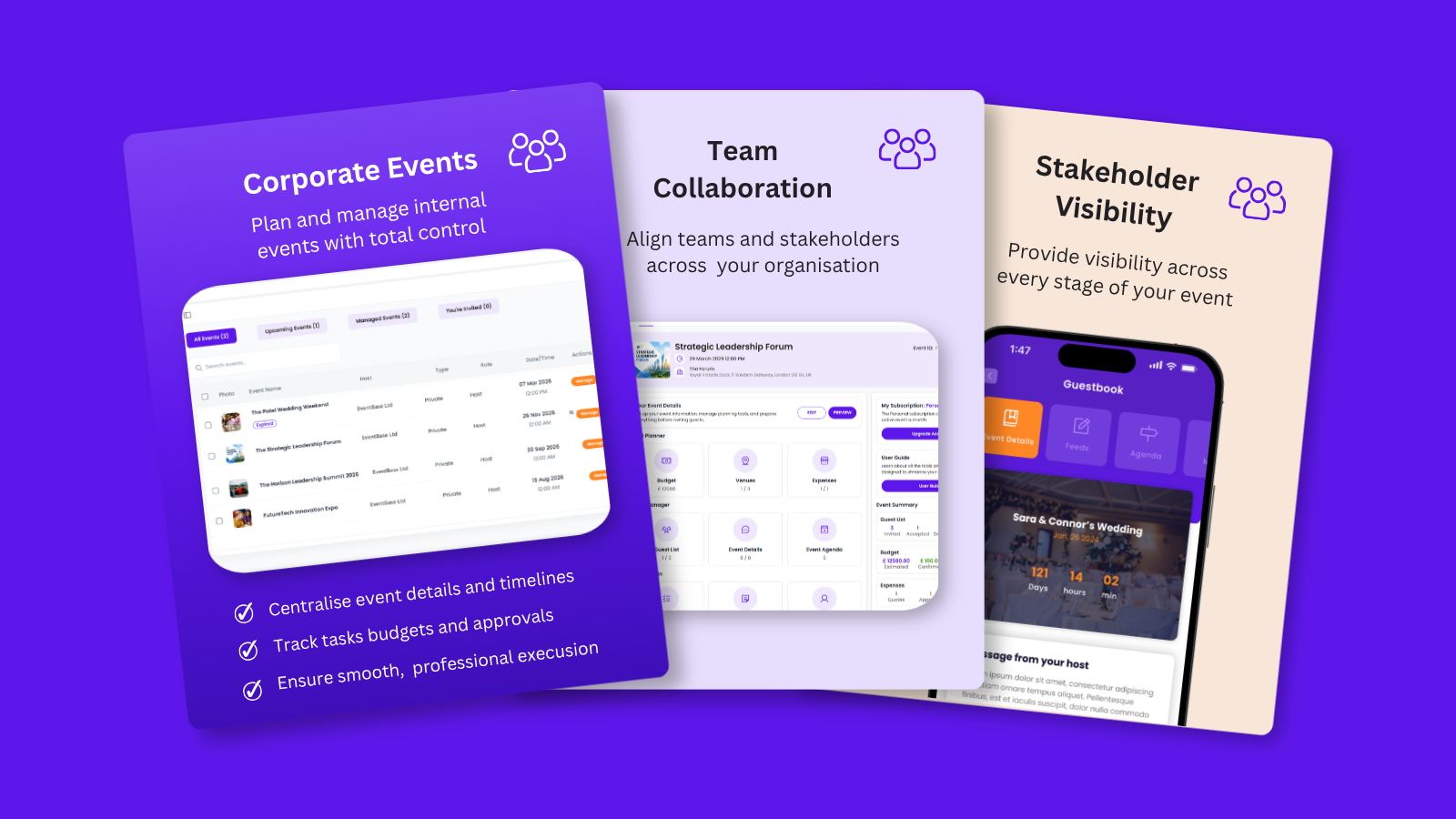
From team socials and office parties to training days and workplace celebrations, Envitely makes internal event planning simple and organised.


  • Create and manage company events in minutes
  • ✓ Track budgets, guests, and RSVPs all in one place
  • Share event details with your team in real time
  • Plan on the go with the mobile app
qtq80-BOTkgY

Download the Envitely app today and Start planning for Free

Why Company Event Planning Often Feels Overwhelming

Planning internal events may seem simple, but between coordinating employees, tracking RSVPs, and staying on budget, the process can quickly become stressful.

Scattered Details

Event info spread across emails, chat threads, and spreadsheets makes it hard to keep track.

Managing Guests & Costs

Tracking RSVPs and staying within budget is difficult without the right tools.

Employee Communication

Updating everyone about schedules, locations, or changes takes time and often leads to missed messages.

Low Engagement

Workplace events often struggle to get staff engaged before or after. Without a central hub, excitement fades quickly.

More Than Workplace Events - Plan Client-Facing Corporate Events

Envitely isn’t just for team socials and internal events. Manage conferences, client hospitality, or networking events, with our event planning tools to deliver professional, seamless experiences.
The Tools Event Planners Rely On

How Envitely Simplifies Company Event Planning

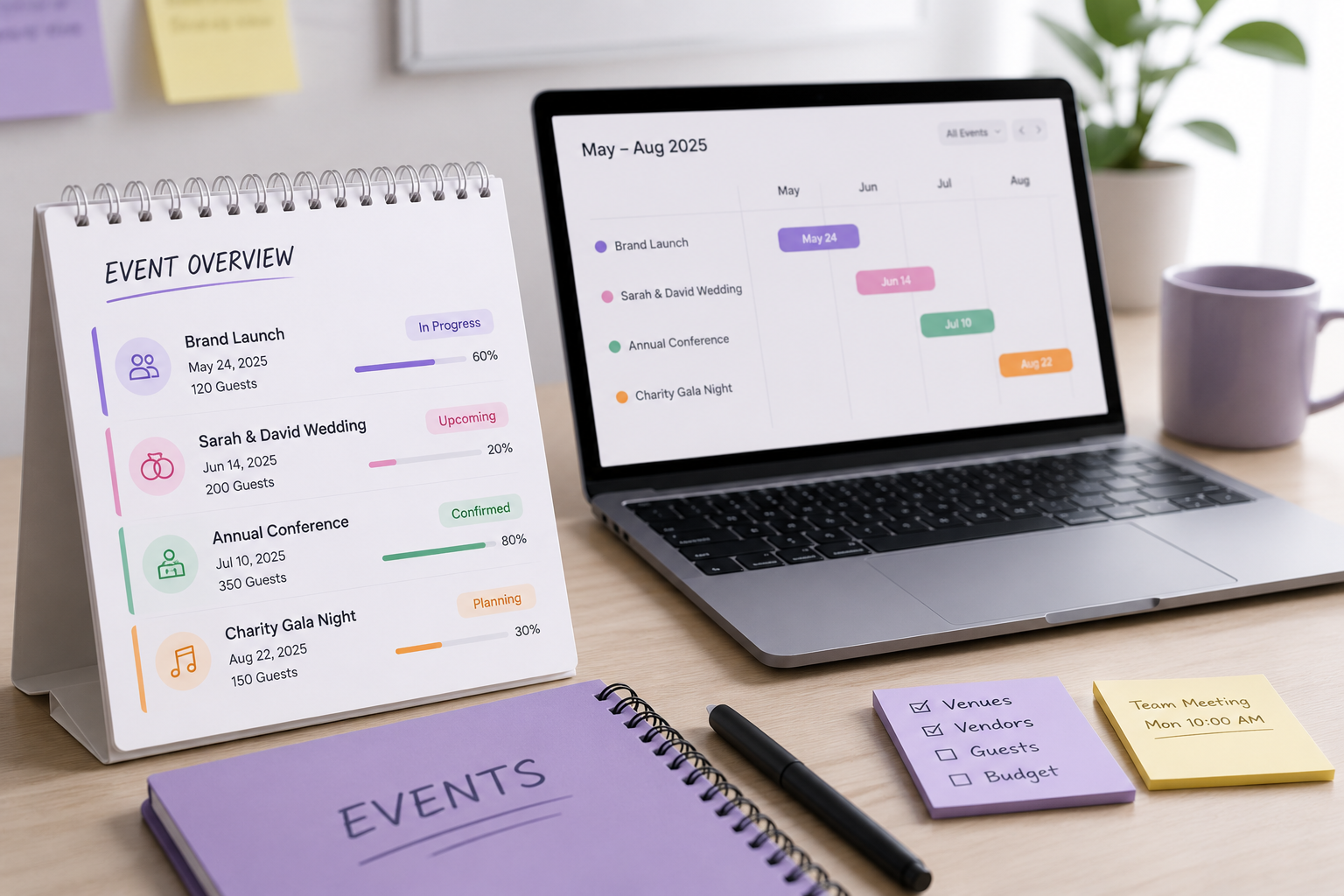
Centralised Event Details

Keep schedules, locations, and updates in one place instead of scattered across emails and chats.

Easy Employee Communication

Share updates instantly with your team so no one misses important information.

Guest List & RSVP Tracking

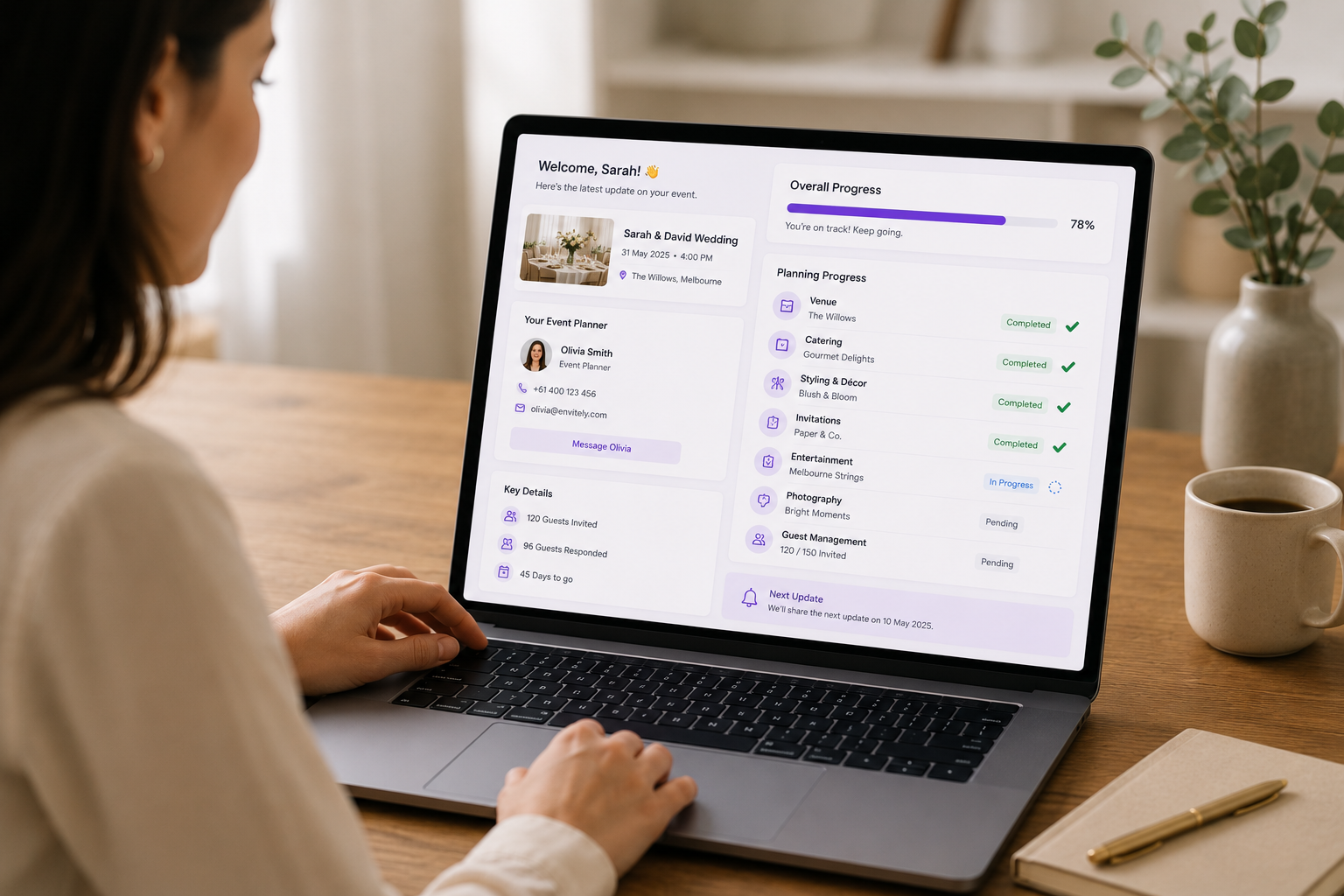
Manage attendees with the Guest List Manager and track RSVPs in real time.

Budget Control​

Track spending with simple Budget Manager tools to keep events on target.

Plan on the Go

Use the Envitely mobile app to manage company events anytime, anywhere.

Engage Employees

Create a Guestbook event group where staff can post photos, messages, and share memories.

See Envitely in Action: Try the Free in-app Demo Now

One Event Planning Tool for Every Kind of Corporate Event

From staff socials to client-facing conferences, Envitely gives you the tools to plan any type of corporate event in one app. Learn more about corporate event planning.

See How Easy It Is to Plan a Company Event

1. Create the Event

Add the event name, date, time, and cover image to get started in minutes.

2. Share with the Team

Invite colleagues as co-hosts or collaborators so they can help manage details.

3. Set a Budget

Track spending for food, venues, or entertainment with simple budget categories.

Businesswoman giving a presentation with charts and graphs at a corporate event meeting.
4. Build the Guest List

Upload employees from your contact list or upload an Excel template.

5. Track RSVPs

Send invitations through Envitely and monitor responses in real time.

6. Keep Everyone Updated

Share event details and updates in real time and create a guestbook group where employees can post photos, messages, and memories.

See How Easy It Is to Plan a Company Event

1. Create the Event

Add the event name, date, time, and cover image to get started in minutes.

2. Share with the Team

Invite colleagues as co-hosts or collaborators so they can help manage details.

3. Set a Budget

Track spending for food, venues, or entertainment with simple budget categories.

Businesswoman giving a presentation with charts and graphs at a corporate event meeting.
4. Build the Guest List

Upload employees from your contact list or upload an Excel template.

5. Track RSVPs

Send invitations through Envitely and monitor responses in real time.

6. Keep Everyone Updated

Share event details and updates in real time and create a guestbook group where employees can post photos, messages, and memories.

See How Easy It Is to Plan a Company Event

1. Create the Event

Add the event name, date, time, and cover image to get started in minutes.

2. Share with the Team

Invite colleagues as co-hosts or collaborators so they can help manage details.

3. Set a Budget

Track spending for food, venues, or entertainment with simple budget categories.

Businesswoman giving a presentation with charts and graphs at a corporate event meeting.
4. Build the Guest List

Upload employees from your contact list or upload an Excel template.

5. Track RSVPs

Send invitations through Envitely and monitor responses in real time.

6. Keep Everyone Updated

Share event details and updates in real time and create a guestbook group where employees can post photos, messages, and memories.

See Envitely In Action

Gallery

Why Companies Use Envitely for Workplace Events

  • Easy to Use: Anyone in the company can create and manage events – no experience needed.
  • All-in-One Platform: Budgets, RSVPs, and event details are all kept in one place.
  • Instant Communication: Update teams with schedules and event info in real time.
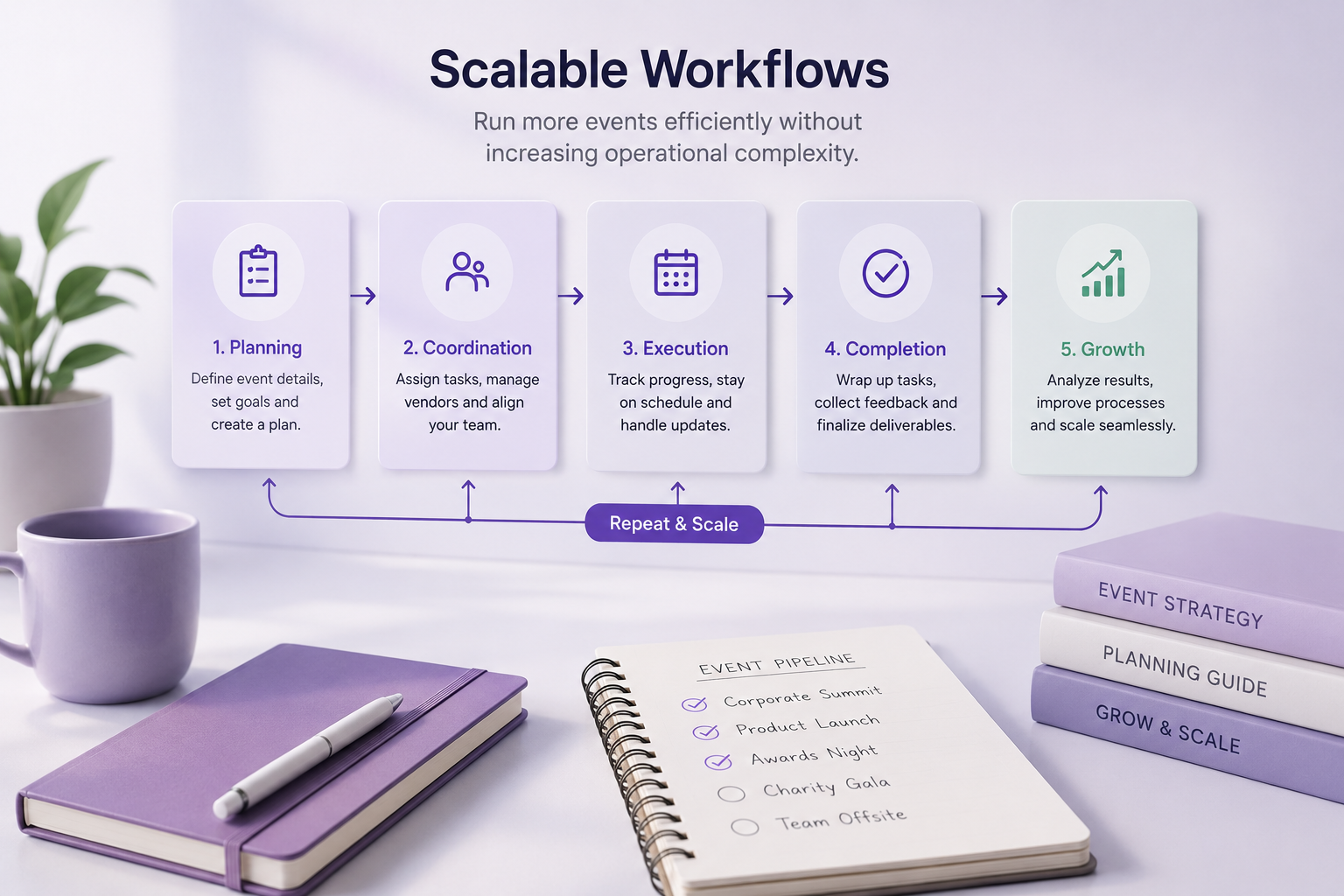
  • Scalable for Any Team Size: From small team socials to company-wide events, Envitely adapts to your needs.
  • Manage Anywhere: Plan and manage events on the go with the Envitely app.


Discover What You Can Do with Envitely

FAQ

Company Event Planning FAQ

Yes. You can upload employee lists from your contacts or import them using an Excel template to invite everyone in one step.


No. Employees can RSVP directly with the event planner without downloading the app. However, if they do use the app, they’ll get access to event details and updates in real time.

Yes. Paid plans allow you to run multiple events in parallel, each with its own dedicated planning space.


Absolutely. You can add co-hosts or collaborators, assign roles, and manage tasks together.


Yes. Envitely’s budget manager helps you track costs for venues, catering, entertainment, and more so you stay within budget.


All event details — including schedules, locations, and updates — can be shared instantly through Envitely, so employees always know what’s happening.


Yes. With the Envitely mobile app, you can update details, track RSVPs, and share changes anytime, anywhere.

Yes. The Guestbook feature creates a shared event group where employees can post photos, messages, and memories, making the event more interactive.

No, Envitely is designed to be simple and intuitive, even for first-time users.

Got more questions? Check out our full FAQ page for answers.

Pricing plans

Flexible pricing plans

Personal

Free/ Forever

Ideal for one off small events including weddings, work dos, parties & celebrations

Guests: 100 per event

Active events: 1

Co-host: 1

Collaborators: 0 / Event

Most
Popular

Personal +

£4.99/Month

£29.99/Yr - 50% off yearly plan | Cancel anytime

Guests: 250 per event

Active events: 1

Co-host: 1

Collaborators: 3 / Event

Professional

£14.99/Month

£89.99/Yr - 50% off yearly plan | Cancel anytime

Guests: 1000 per event

Active events: 3

Co-host: 1

Collaborators: 5 / Event

Business

£24.99/Month

£149.99/Yr - 50% off yearly plan | Cancel anytime

Guests: 2500 per event

Active events: 10

Co-host: 1

Collaborators: 10 / Event

See full subcription feature list

Start Planning Your Next Work Event Today

Don’t let event planning stress you out. Download our event planner app today and start organising your perfect work event with confidence. Whether you’re planning a small, intimate gathering or a grand celebration, our app is here to help you every step of the way.

One Event Planning App for Every Occasion

Whether it’s a birthday, wedding, work event, or holiday with friends, our app keeps everything organised so you can focus on enjoying the moment.