Wedding Planner Software to Manage Clients & Events

Home Solutions Weddings Planners

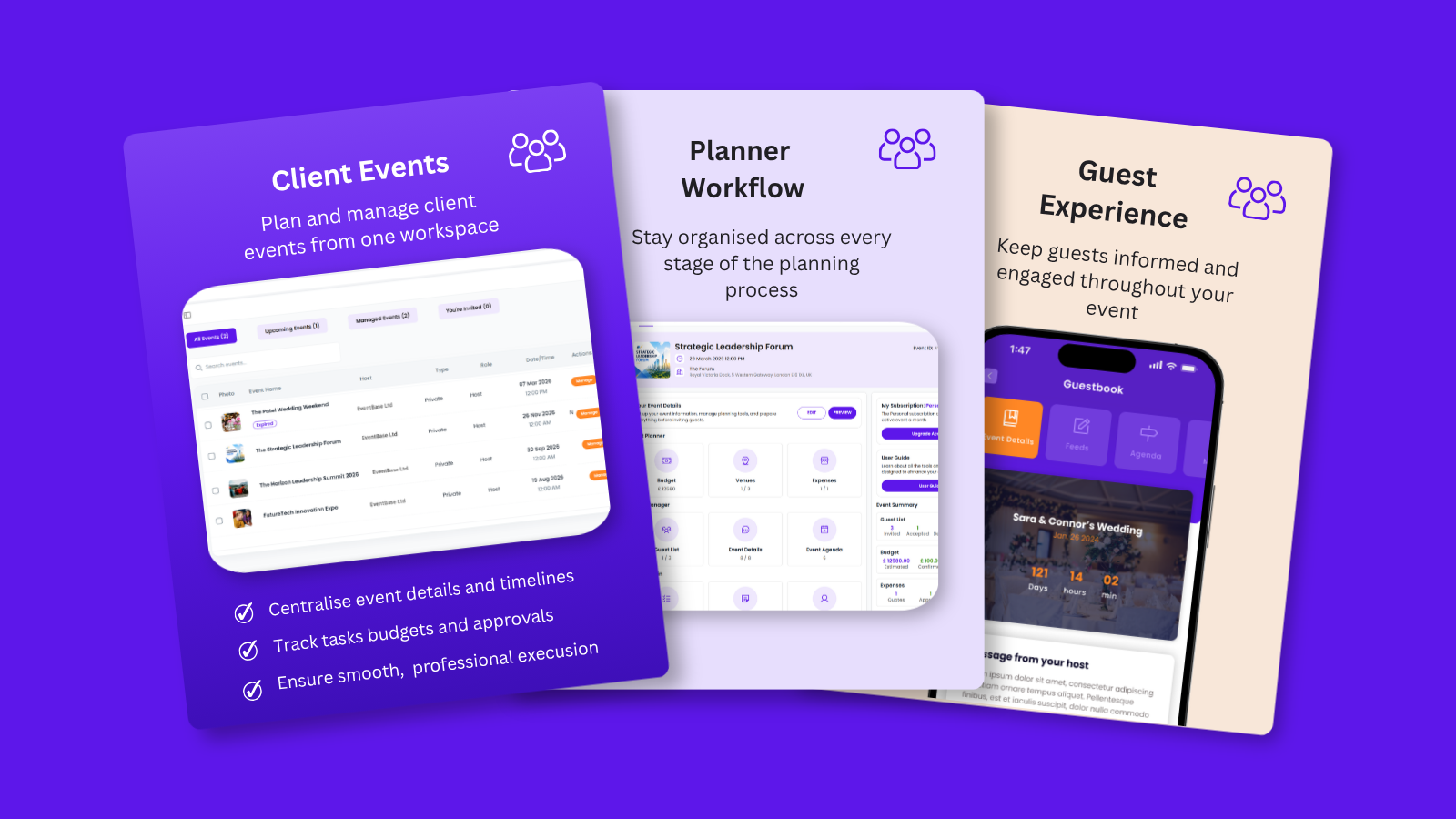
The Wedding Planning App for Professional Planners

Plan unforgettable weddings while keeping clients and collaborators involved every step of the way.


  • Plan events on behalf of clients
  • Involve clients throughout the process
  • Add collaborators to support planning
  • Manage multiple weddings with ease

Download the Envitely app today and Start planning for Free

Why Wedding Planners Choose Envitely

As a professional wedding planner, you’re often balancing multiple clients, venues, and suppliers. At the same time, every couple expects a seamless experience and constant reassurance. However, relying on scattered emails, spreadsheets, and group chats quickly leads to confusion and wasted time.

managing workloads

Without a clear system, important deadlines, guest responses, or supplier issues can be missed.

Keeping Clients Informed

Keeping couples informed through endless emails or calls quickly drains your time and energy.

Handling Multiple Clients

Juggling several weddings at once often leads to stress and mistakes, unless everything is managed in one place.

The Tools Wedding Planners Rely On

How Envitely Helps Wedding Planners

Plan on Behalf of Clients

Create and manage events while keeping control of every detail.

Manage Multiple Weddings

Switch between weddings and track every detail from start to finish.

Centralise Guests & Suppliers

Handle guest lists, RSVPs, budgets, and suppliers in one place.

Keep couples in the Loop

Give clients access to the planner so they can monitor progress in real-time

Work With Your Team

Invite collaborators, assign roles, and track tasks all in one place.

See Envitely in Action: Try the Free in-app Demo Now

How to Plan the Dream Wedding the Envitely

From guest lists and RSVPs to budgets, tasks, and live updates — Envitely keeps every detail organised so your weddings run smoothly.

Real-World Wedding Planning Scenario

1. Onboard Clients

Create a new wedding event, add the name, date, cover image, and budget. Invite the couple as co-hosts so they can join the planning journey.

2. Add Collaborators

Add assistants or team members, assign roles, and delegate tasks so no wedding detail is missed.

3. Set Budget

Allocate funds to categories like catering, décor, and photography, keeping everything organised from the start.

Bride and groom embracing on a cobblestone street during a romantic wedding photoshoot.
4. Manage Suppliers

Collect quotes from florists, caterers, photographers, and other suppliers. Share with the couple for approvals, then confirm bookings.

5. Shortlist Venues

If a venue isn’t chosen, build a shortlist. The couple can review options, compare details, and approve directly in the app.

6. Invite Guests

Manage the guest list together with your couple, send digital invitations, and track RSVPs in real time.

Real-World Wedding Planning Scenario

1. Onboard Clients

Create a new wedding event, add the name, date, cover image, and budget. Invite the couple as co-hosts so they can join the planning journey.

2. Add Collaborators

Add assistants or team members, assign roles, and delegate tasks so no wedding detail is missed.

3. Set Budget

Allocate funds to categories like catering, décor, and photography, keeping everything organised from the start.

Bride and groom embracing on a cobblestone street during a romantic wedding photoshoot.
4. Manage Suppliers

Collect quotes from florists, caterers, photographers, and other suppliers. Share with the couple for approvals, then confirm bookings.

5. Shortlist Venues

If a venue isn’t chosen, build a shortlist. The couple can review options, compare details, and approve directly in the app.

6. Invite Guests

Manage the guest list together with your couple, send digital invitations, and track RSVPs in real time.

Real-World Wedding Planning Scenario

1. Onboard Clients

Create a new wedding event, add the name, date, cover image, and budget. Invite the couple as co-hosts so they can join the planning journey.

2. Add Collaborators

Add assistants or team members, assign roles, and delegate tasks so no wedding detail is missed.

3. Set Budget

Allocate funds to categories like catering, décor, and photography, keeping everything organised from the start.

Bride and groom embracing on a cobblestone street during a romantic wedding photoshoot.
4. Manage Suppliers

Collect quotes from florists, caterers, photographers, and other suppliers. Share with the couple for approvals, then confirm bookings.

5. Shortlist Venues

If a venue isn’t chosen, build a shortlist. The couple can review options, compare details, and approve directly in the app.

6. Invite Guests

Manage the guest list together with your couple, send digital invitations, and track RSVPs in real time.

See Envitely In Action

Gallery

Built for the Way You Work

  • Built for Professionals:  Designed specifically for wedding planners first, not just general event tools.
  • Client Collaboration Made Simple: Couples can stay involved without endless emails or calls.
  • All-in-One Efficiency: Manage budgets, suppliers, and guests in one app.
  • Scalable for Growth: From one wedding to an entire season, Envitely adapts.
  • Work Anywhere: Plan and manage weddings on the go with the Envitely mobile app. Stay in control everywhere.
  •  


Discover What You Can Do with Envitely

FAQ

Wedding Planning FAQ

Yes. Envitely is designed so professional planners can create and manage events for their clients while staying in control of every detail.

Absolutely. You can add clients as co-hosts so they can see updates, approve suppliers, and monitor budgets in real time.

Yes. With a paid plan, each wedding has its own dedicated planning space, making it easy to switch between clients and stay organised during busy seasons.

Yes. You can add collaborators, assign roles, and delegate tasks, so your team can work with you on specific weddings.

Guest lists can be uploaded via contact lists or Excel templates. Invitations are sent directly through Envitely, and RSVPs are tracked automatically in real time.

Yes, as long as they are on the guest list with a valid email address. Guests can join the wedding event, see details, and stay updated.

Got more questions? Check out our full FAQ page for answers.

Pricing plans

Flexible pricing plans

Personal

Free/ Forever

Ideal for one off small events including weddings, work dos, parties & celebrations

Guests: 100 per event

Active events: 1

Co-host: 1

Collaborators: 0 / Event

Most
Popular

Personal +

£4.99/Month

£29.99/Yr - 50% off yearly plan | Cancel anytime

Guests: 250 per event

Active events: 1

Co-host: 1

Collaborators: 3 / Event

Professional

£14.99/Month

£89.99/Yr - 50% off yearly plan | Cancel anytime

Guests: 1000 per event

Active events: 3

Co-host: 1

Collaborators: 5 / Event

Business

£24.99/Month

£149.99/Yr - 50% off yearly plan | Cancel anytime

Guests: 2500 per event

Active events: 10

Co-host: 1

Collaborators: 10 / Event

See full subcription feature list

Start Planning Your Wedding Today

Don’t let wedding planning stress you out. Download our wedding planner app today and start organising your perfect wedding with confidence. Whether you’re planning a small, intimate ceremony or a grand celebration, our app is here to help you every step of the way.

One Event Planning App for Every Occasion

Whether it’s a birthday, wedding, work event, or holiday with friends, our app keeps everything organised so you can focus on enjoying the moment.